
Enable Epic Games Store in LootLocker so it can be used to handle in-app purchases.
Prerequisites
Configure IAP Settings in LootLocker
In the LootLocker Web Console, select Settings > In-App Purchases, then select Epic Games Store from the list of available providers.
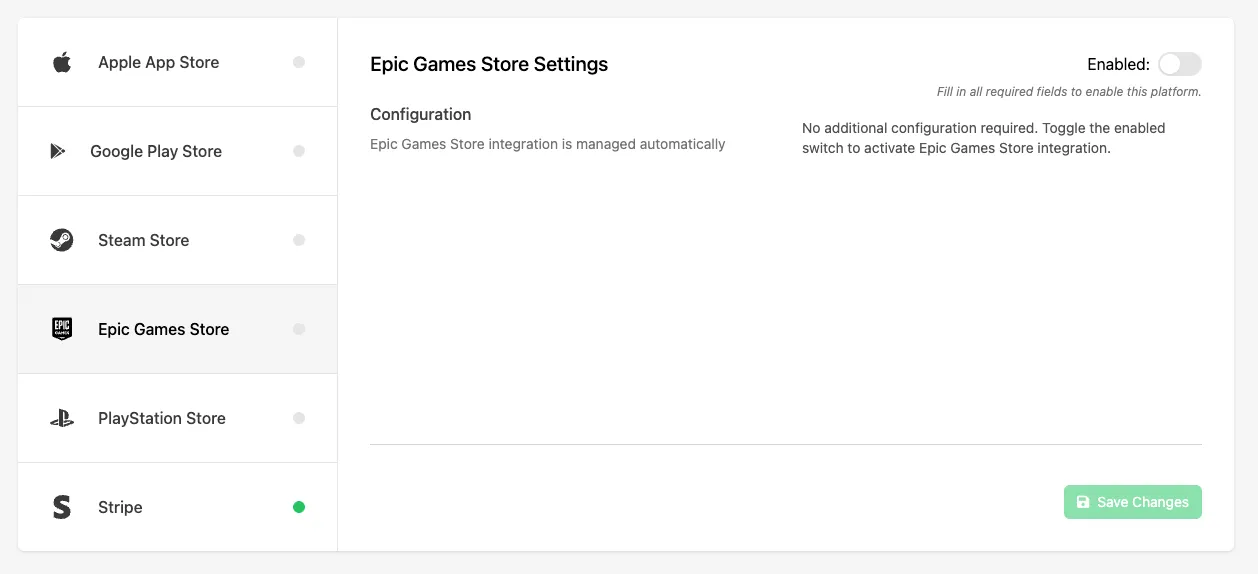
Click the Enable toggle to enable Epic Games Store as a purchase provider for your game, then click Save Changes.
Conclusion
You've enabled Epic Games Store for in-app purchases. Next, configure a Catalog Listing for it.