
This how-to configures Epic Games for LootLocker's Unified Player Accounts, letting your users authenticate with Epic Games on https://auth.game to start remote sessions or link their accounts to other accounts.
Prerequisites
Section titled “Prerequisites”Configure Epic Games in the Web Console
Section titled “Configure Epic Games in the Web Console”Enable Epic Games in the Unified Player Accounts settings in the Web Console and fill in the required fields.
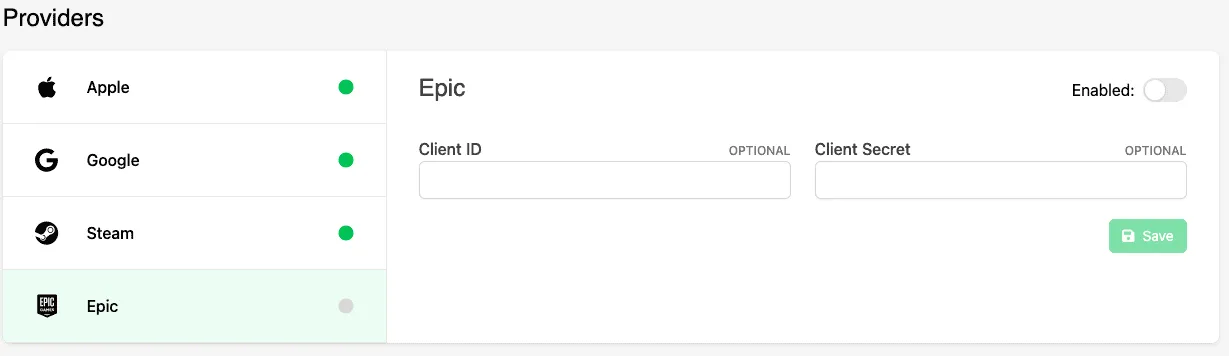
For details on the specific information needed for each field, see the general documentation on Epic Games Sign In.
Conclusion
Section titled “Conclusion”You've enabled and configured Epic Games for Unified Player Accounts.