
This how-to searches for a player in the Web Console and changes a player's public/private profile status in your game.
Prerequisites
Section titled “Prerequisites”- Unity, Unreal, or Godot SDK installed and configured in your project (not required for REST).
- An active Player session (see Authentication).
Search for Players
Section titled “Search for Players”In the Player Manager in the Web Console, enter a player's Platform ID into the search bar and press Enter. If one or more players are found, LootLocker displays their profiles below the search bar. Click View to load the player's profile.
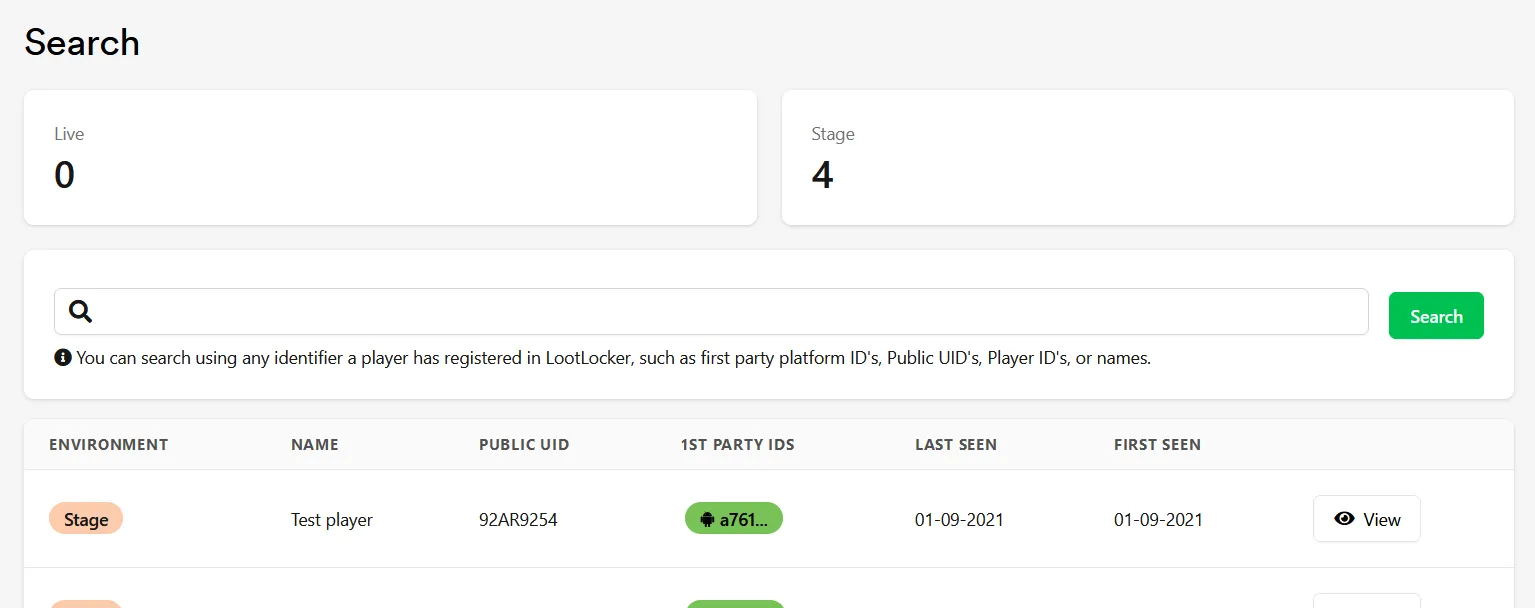
Retrieving Player Information
Section titled “Retrieving Player Information”From the Web Console, use the View button on a player to view their profile — from there you can give players assets and change player storage items.
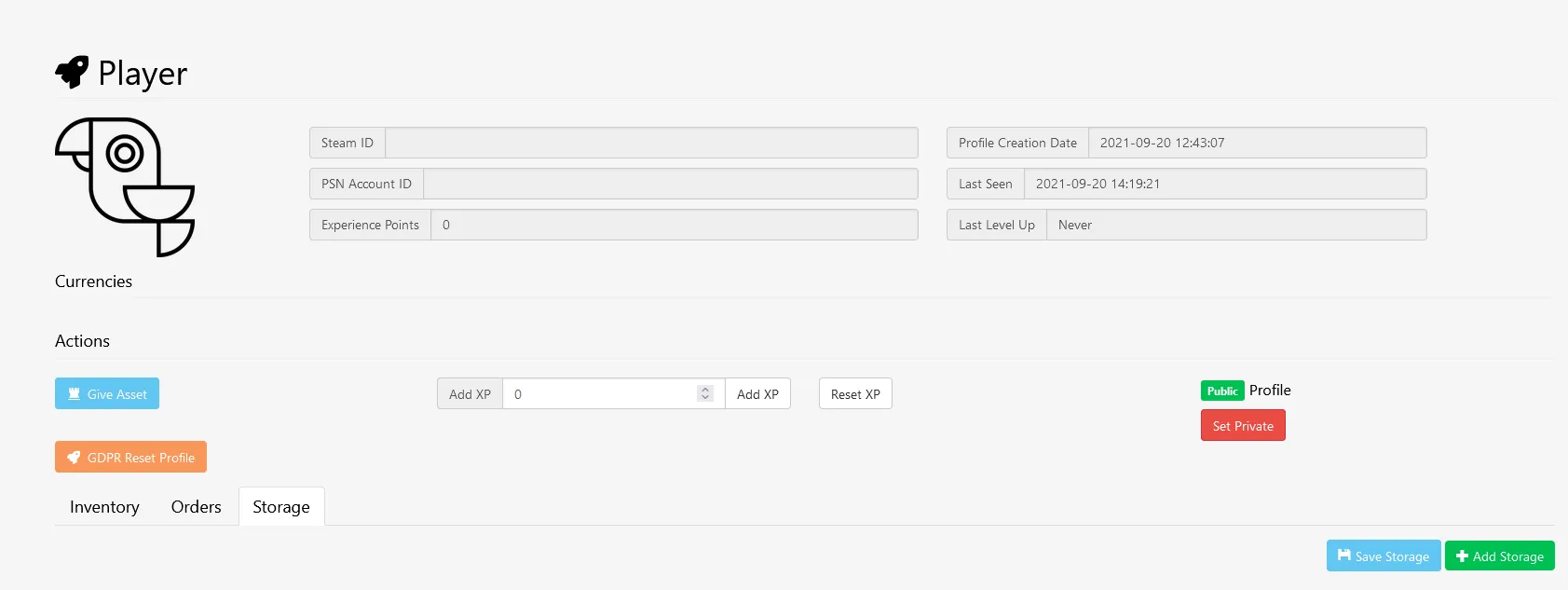
Retrieving player info from your game returns information about level and account balance. See the Progressions documentation for how to use this in the SDK.
Public/Private Profile
Section titled “Public/Private Profile”Setting a player's profile to private disables any inventory integration with Steam, and hides their Steam items attached to your game from their Steam profile.
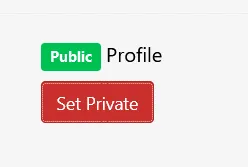
Change a player's profile between public and private:
// Set to privateLootLockerSDKManager.SetProfilePrivate((response) =>{    if (response.success)    {        Debug.Log("profile successfully to private");    }    else    {        Debug.Log("failed setting profile to private");    }});
// Set to publicLootLockerSDKManager.SetProfilePublic((response) =>{    if (response.success)    {        Debug.Log("profile successfully to public");    }    else    {        Debug.Log("failed setting profile to public");    }});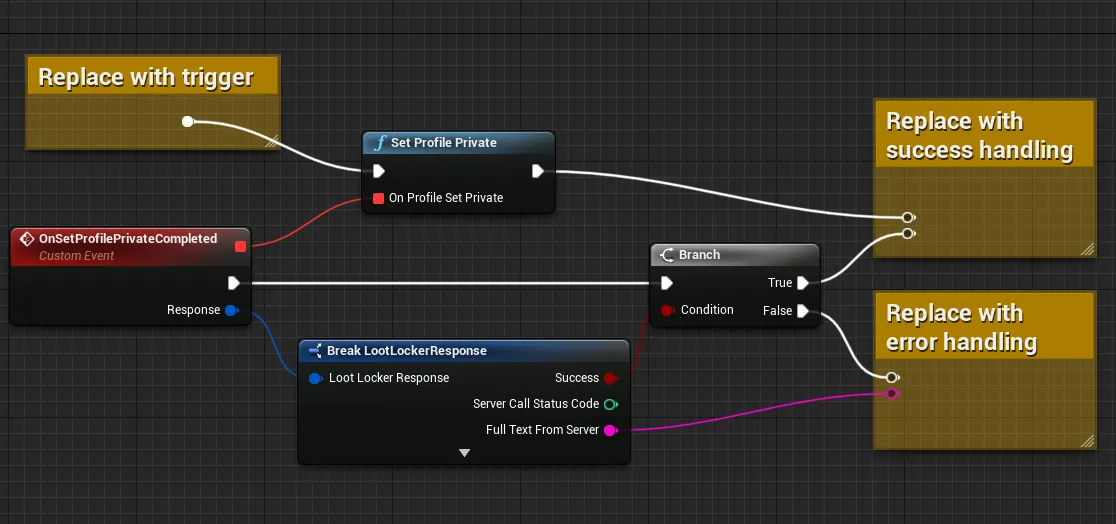
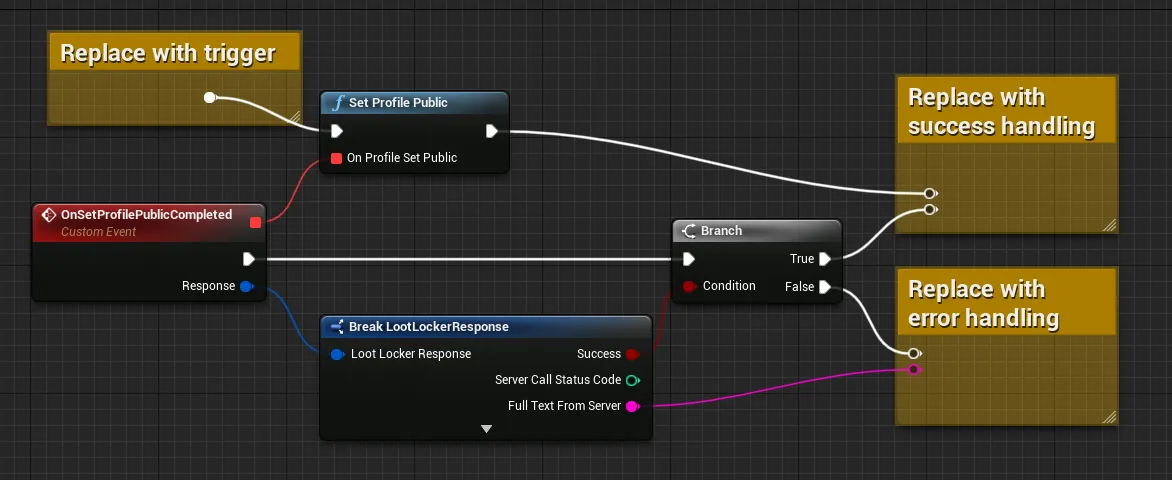
# Set to privatevar response = await LL_Players.SetPlayerProfilePublic.new().send()if(!response.success) :    # Request failed, handle errors    passelse:    # Request succeeded, use response as applicable in your game logic    pass
# Set to publicvar response = await LL_Players.SetPlayerProfilePrivate.new().send()if(!response.success) :    # Request failed, handle errors    passelse:    # Request succeeded, use response as applicable in your game logic    pass
Set to Public
curl -X POST "https://api.lootlocker.io/game/v1/player/profile/public" \ -H "x-session-token: your_token_here"Example response:
{ "success": true}Set to Private
curl -X DELETE "https://api.lootlocker.io/game/v1/player/profile/public" \ -H "x-session-token: your_token_here"Example response:
{ "success": true}Conclusion
Section titled “Conclusion”You've searched for players in the Web Console and can now change a player's public/private profile status from your game.