
The LootLocker web console is a browser-based interface that provides you with access to all LootLocker features and the tools needed to manage your games.
You can access the web console here.
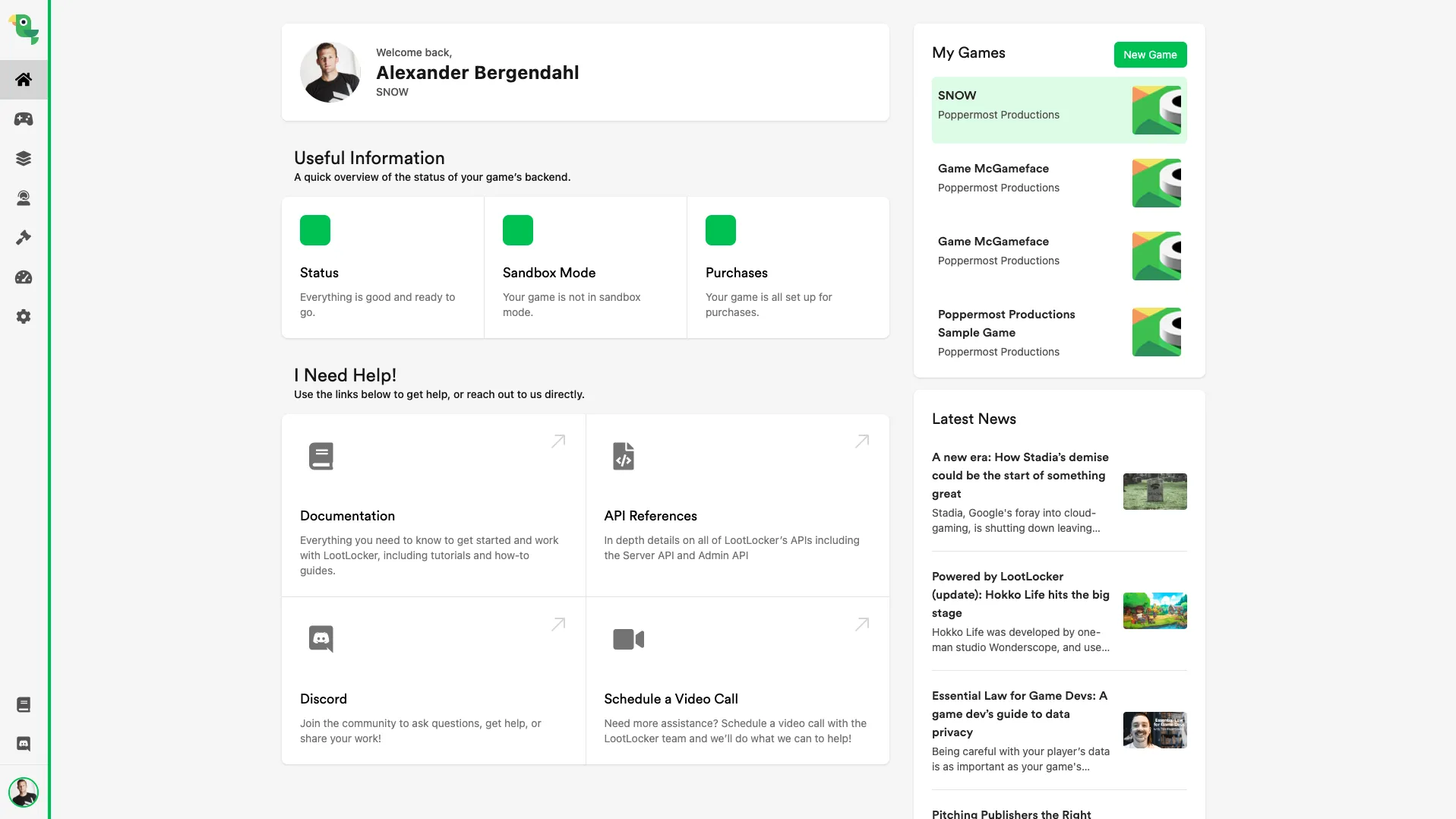
Home Screen
Section titled “Home Screen”Upon logging into the LootLocker web console you will be taken to the home screen. This screen provides a status summary of your game, links to useful information, ways to get in touch with the LootLocker team, and information about the latest updates to the LootLocker platform.
Switching Between Games
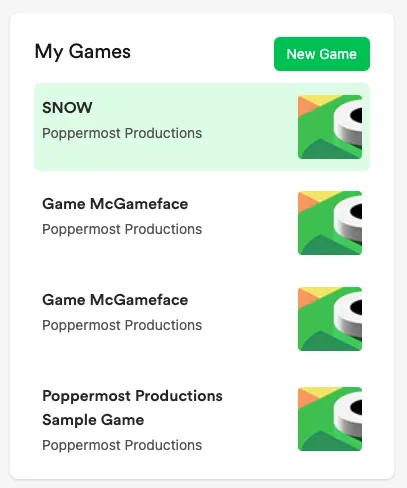
Section titled “Switching Between Games”You can easily switch between games by selecting a game in the My Games section of the Home Screen.
Switching Between Organizations
Section titled “Switching Between Organizations”To change organization, select your profile picture in the top right corner of the Web Console and select Games and then a game from a different organization.