Progressions let you create and manage in-game XP systems, talent trees, battle passes, and more through the Web Console.
Simple Progressions
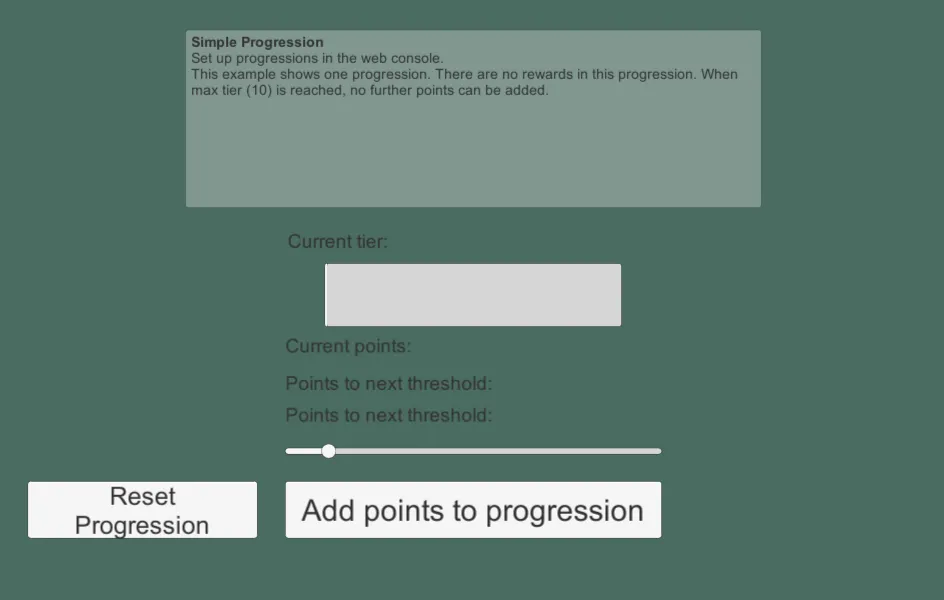
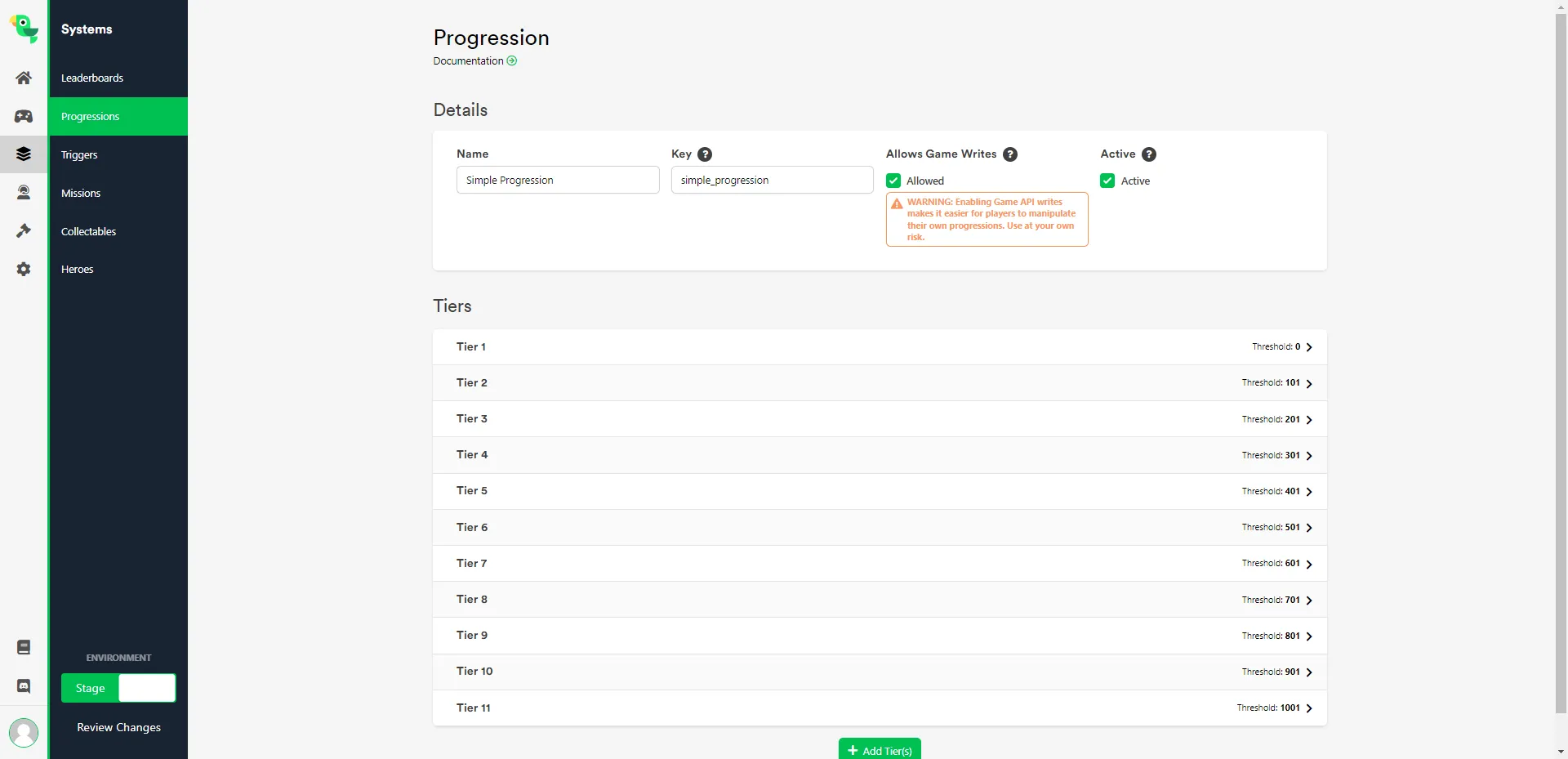
Section titled “Simple Progressions”This sample can be found in the Unity SDK under the name 6 - Simple Progression. It demonstrates a single progression with 10 levels (tiers) — once the player reaches level 10, no further points are added. This example doesn't include level-based Rewards.
In-Engine
Section titled “In-Engine”Use the slider to select how many points to add, then click Add points to progression. Once Current tier reaches 10, you won't be able to add more points until you click Reset Progression to reset it to tier 0.
Web Console
Section titled “Web Console”Navigate to Game Systems -> Progressions in the Web Console to create and configure a new progression.
Multiple Progressions
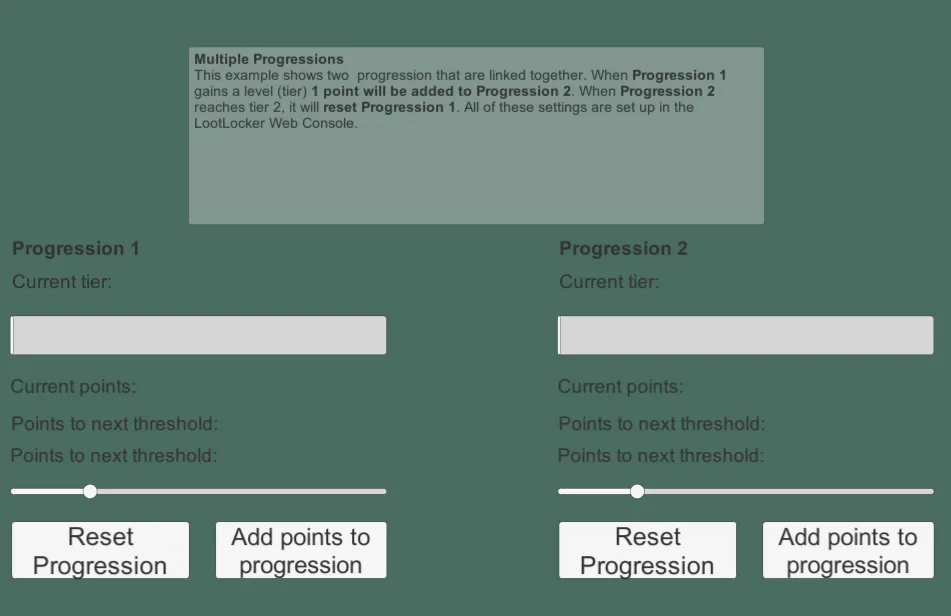
Section titled “Multiple Progressions”This sample can be found in the Unity SDK under the name 6 - Multiple Progressions. It builds on the Simple Progressions sample above by linking two progressions together: gaining a tier in Progression 1 adds a point to Progression 2, and when Progression 2 reaches tier 2, it resets Progression 1.
In-Engine
Section titled “In-Engine”Use the slider to select how many points to add to each progression, then click Add points to progression — same as the Simple Progressions sample above.
Web Console
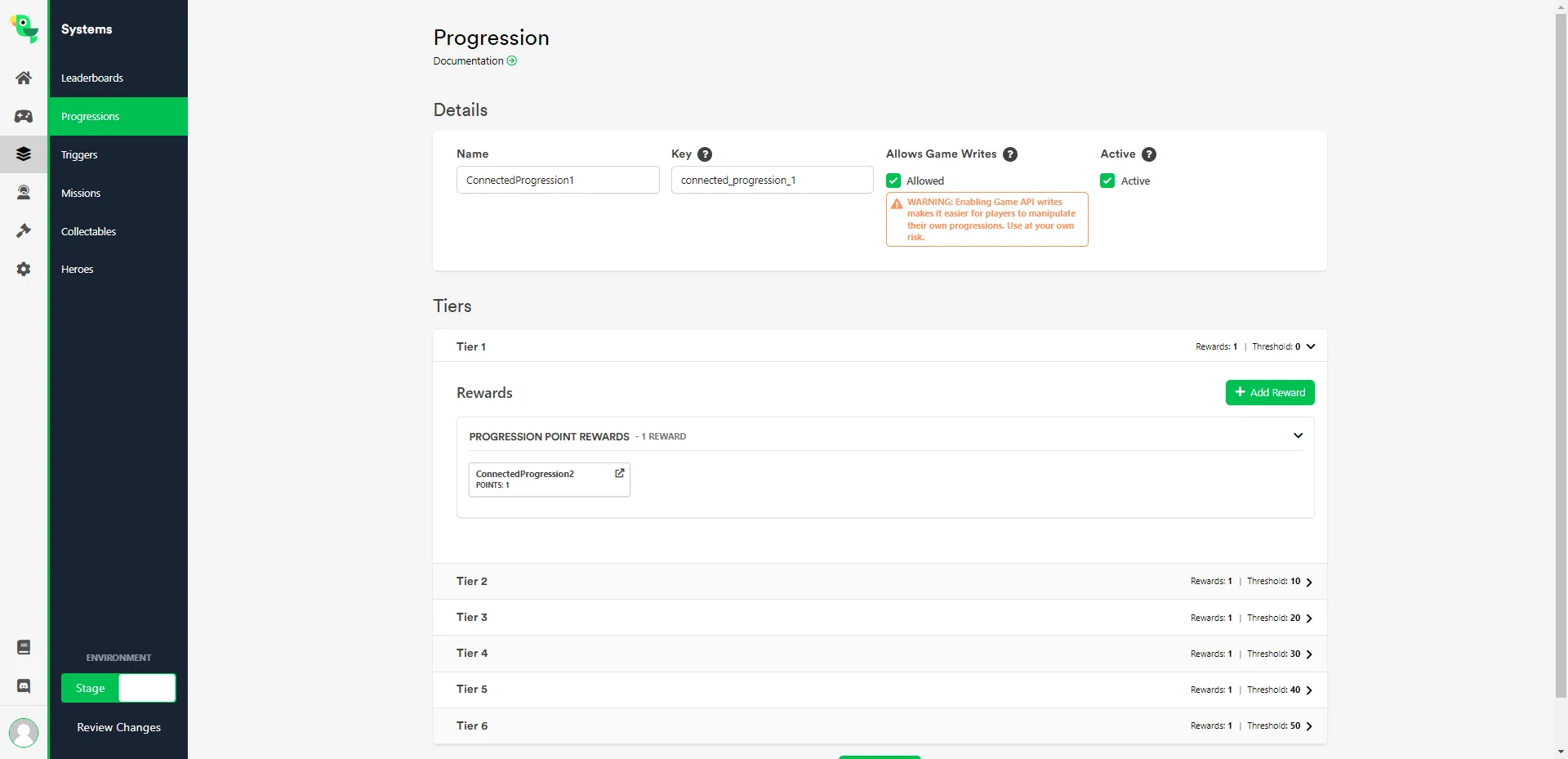
Section titled “Web Console”To link progressions together like this, configure both Progression Point Rewards and Progression Reset Rewards when setting up the progression in the Web Console.