
This how-to enables Steam for LootLocker's Unified Player Accounts, letting your users authenticate with Steam on https://auth.game to start remote sessions or link their accounts to other accounts.
Prerequisites
Section titled “Prerequisites”- A Steam App ID and Partner Key (also required for starting regular Steam sessions).
Configure Steam in the Web Console
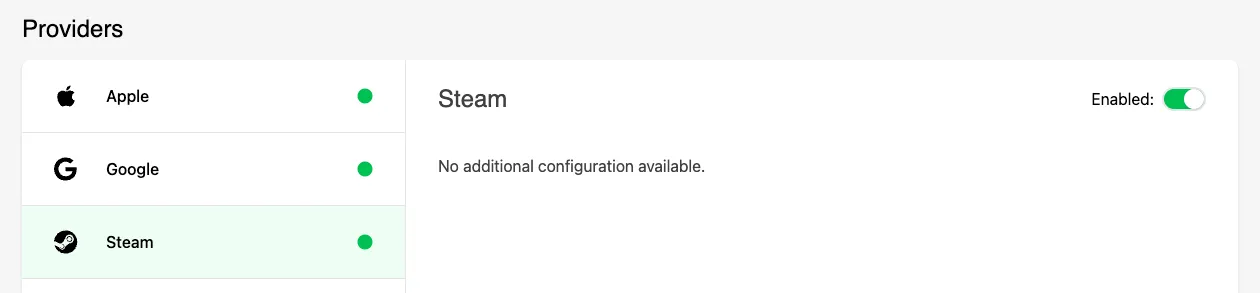
Section titled “Configure Steam in the Web Console”Steam requires no additional configuration for UPA beyond enabling it. Navigate to the Settings menu, select Unified Player Accounts, select the Steam platform, and click Enable.
Conclusion
Section titled “Conclusion”You've enabled Steam for Unified Player Accounts.