Update through Unity Package Manager
Section titled “Update through Unity Package Manager”Update SDK installed Using Open UPM (Recommended)
Section titled “Update SDK installed Using Open UPM (Recommended)”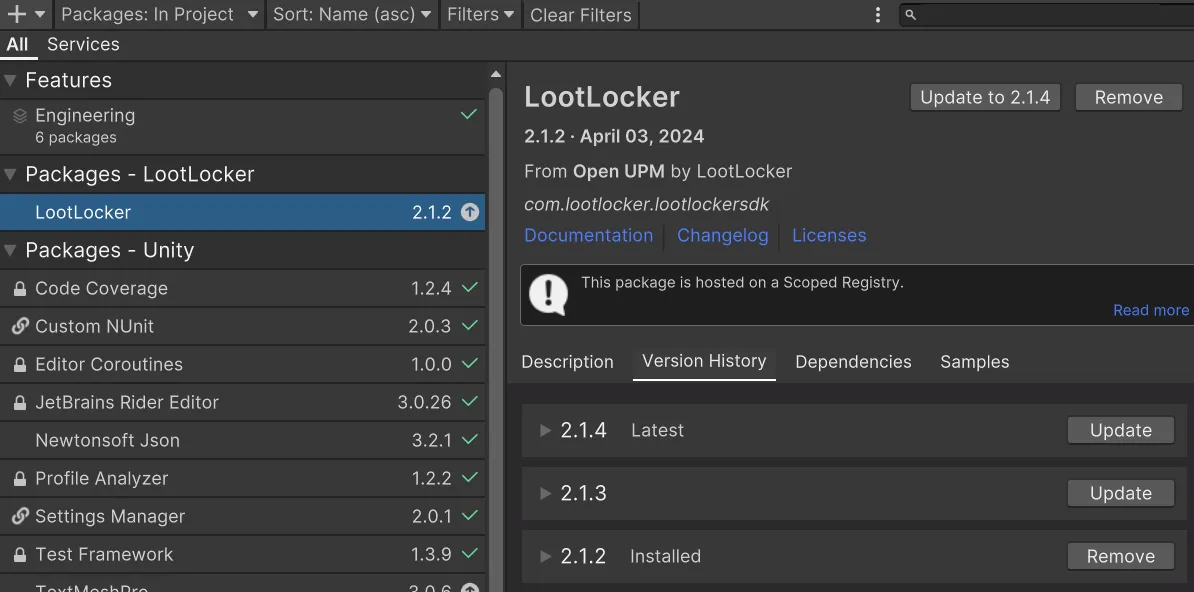
When installed through Open UPM the update process is exactly as it is with packages installed through the asset store. When you open the Unity Package Manager the list of packages on the left that needs to be updated has a symbol that looks like an up arrow.
When selected, you can either press the button in the top right to update to the latest version. Or you can select the Version History tab and update to another release.
Update SDK installed by Git
Section titled “Update SDK installed by Git”Open the Unity editor and navigate to the Package Manager by clicking on Window and then Package Manager.
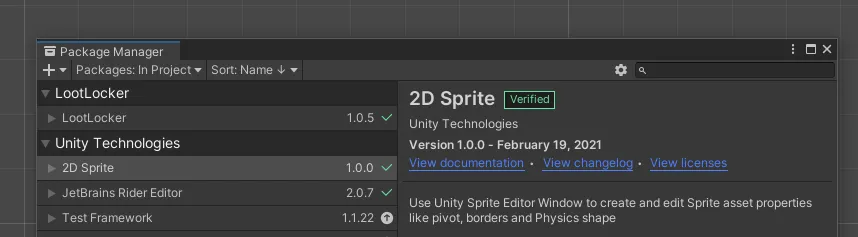
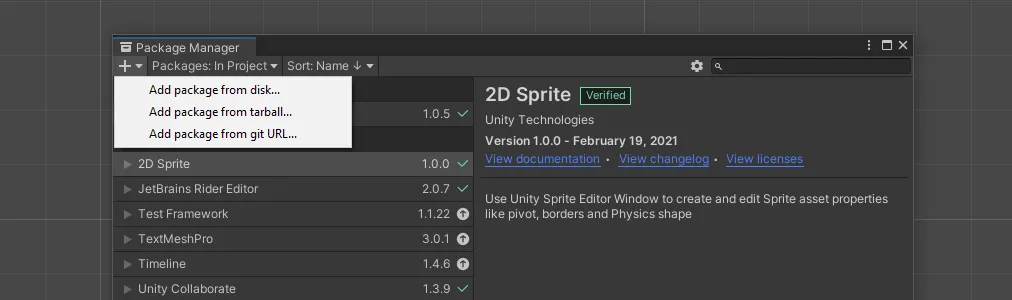
Click on the + at the top of the Package Manager window and select Add package from git URL.
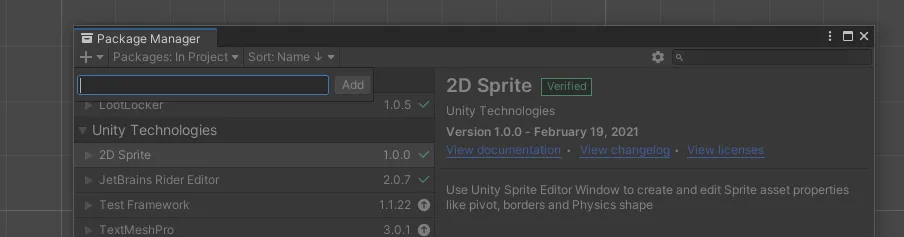
Enter the URL below into the text box and click Add. Copy the URL below into the field.
https://github.com/LootLocker/unity-sdk.git