
This how-to enables Presence for your game in the LootLocker Web Console.
Prerequisites
Section titled “Prerequisites”No prerequisites.
Presence Settings
Section titled “Presence Settings”Navigate to Player Operations → Player Settings and select the Presence tab.
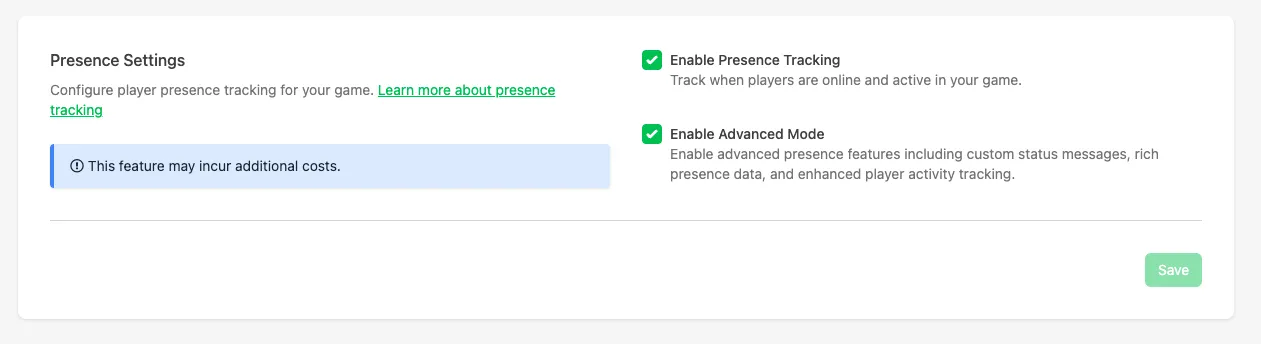
Choose between:
- Enable Presence: enables basic Presence, letting LootLocker report how many players are currently online and playing your game across all platforms.
- Enable Rich Presence Mode: unlocks detailed player status tracking, including custom states (e.g., Main Menu, Gameplay, Store) and optional metadata.
Click Save to apply your changes. Presence is now ready to begin receiving player data once implemented in your game.
Conclusion
Section titled “Conclusion”You've enabled Presence in the Web Console. To learn how to interpret this information, continue to View Presence in Web Console.