
This how-to creates a Hero based on an existing Base Class and configures Exceptions—rules that let a Hero equip Assets its Base Class normally can't, or block ones it normally can.
Prerequisites
Section titled “Prerequisites”- At least one Base Class created (see Base Classes).
Create a Hero
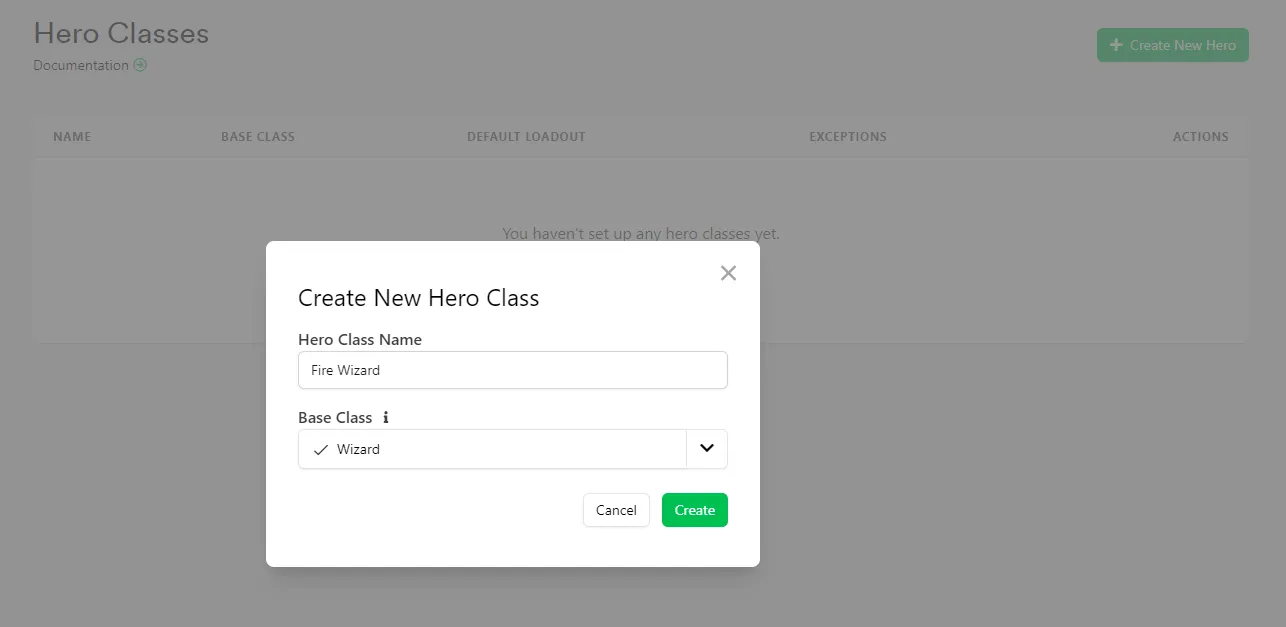
Section titled “Create a Hero”In the Web Console, on the Classes & Heroes page, click Create New Hero, select the Base Class it's based on, and assign a name. We'll create two Heroes from the Wizard class: Fire Wizard and Water Wizard.
Add Exceptions
Section titled “Add Exceptions”To add an Exception, make sure you are inside a Hero. Navigate to the Exceptions section and press Add New Exception, here you specify which Asset the Exception is about, and whether or not the Exception is Can Equip or Can't Equip.
If we take the Healer who can wield big hammers, we select the Hammer Asset and Can Equip.
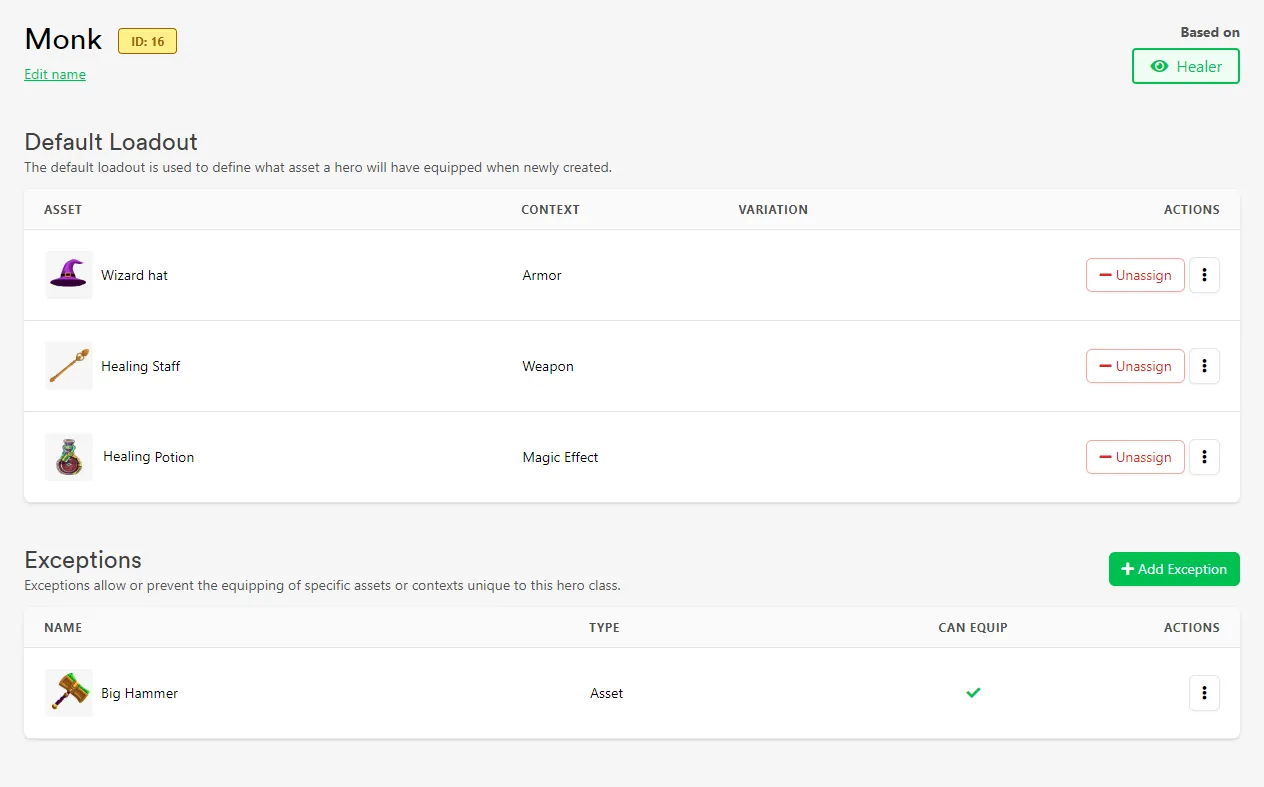
We can also create Exceptions to prevent a Hero equipping specific Assets or Contexts.
Conclusion
Section titled “Conclusion”You've created a Hero and configured Exceptions for what it can equip. Next, see Use Hero Classes In-Game to work with Heroes from your game.