This page walks through three sample leaderboard scenes included in the Unity SDK: a player-type leaderboard, a generic-type leaderboard styled as an arcade high-score board, and a leaderboard that submits float-based scores. See Leaderboards for how leaderboard types work in more depth.
Player-type Leaderboard
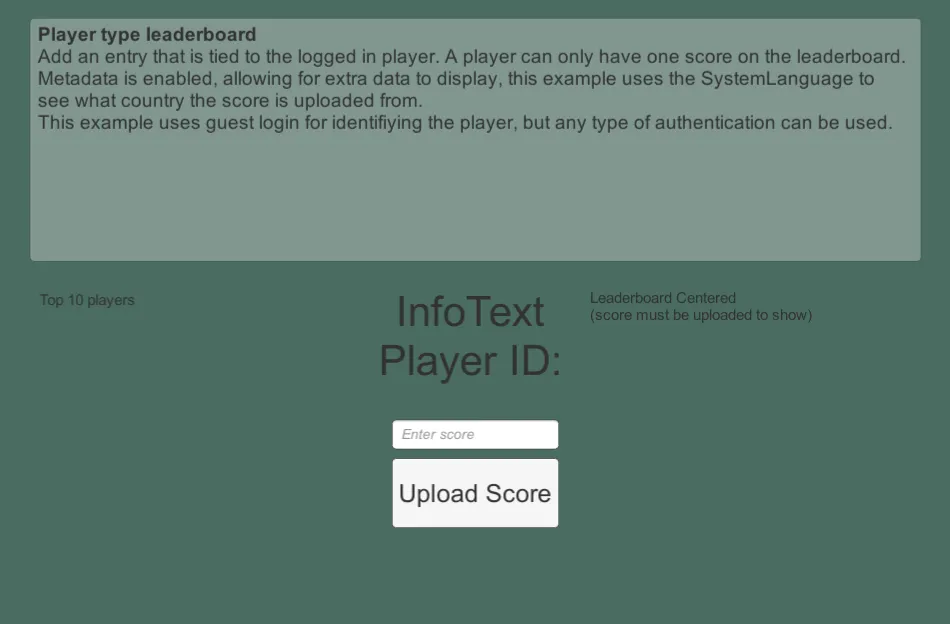
Section titled “Player-type Leaderboard”This sample can be found in the Unity SDK under the name 2a - PlayerTypeLeaderboard. It demonstrates a player-type leaderboard, where each entry is tied directly to a specific player — meaning a player can only have one score on the leaderboard at a time. It also attaches Metadata to each entry, using the device's system language to indicate the player's country.
In-Engine
Section titled “In-Engine”To submit a score, enter a score value and click Upload Score. The score then appears in the Top 10 players menu.
Web Console
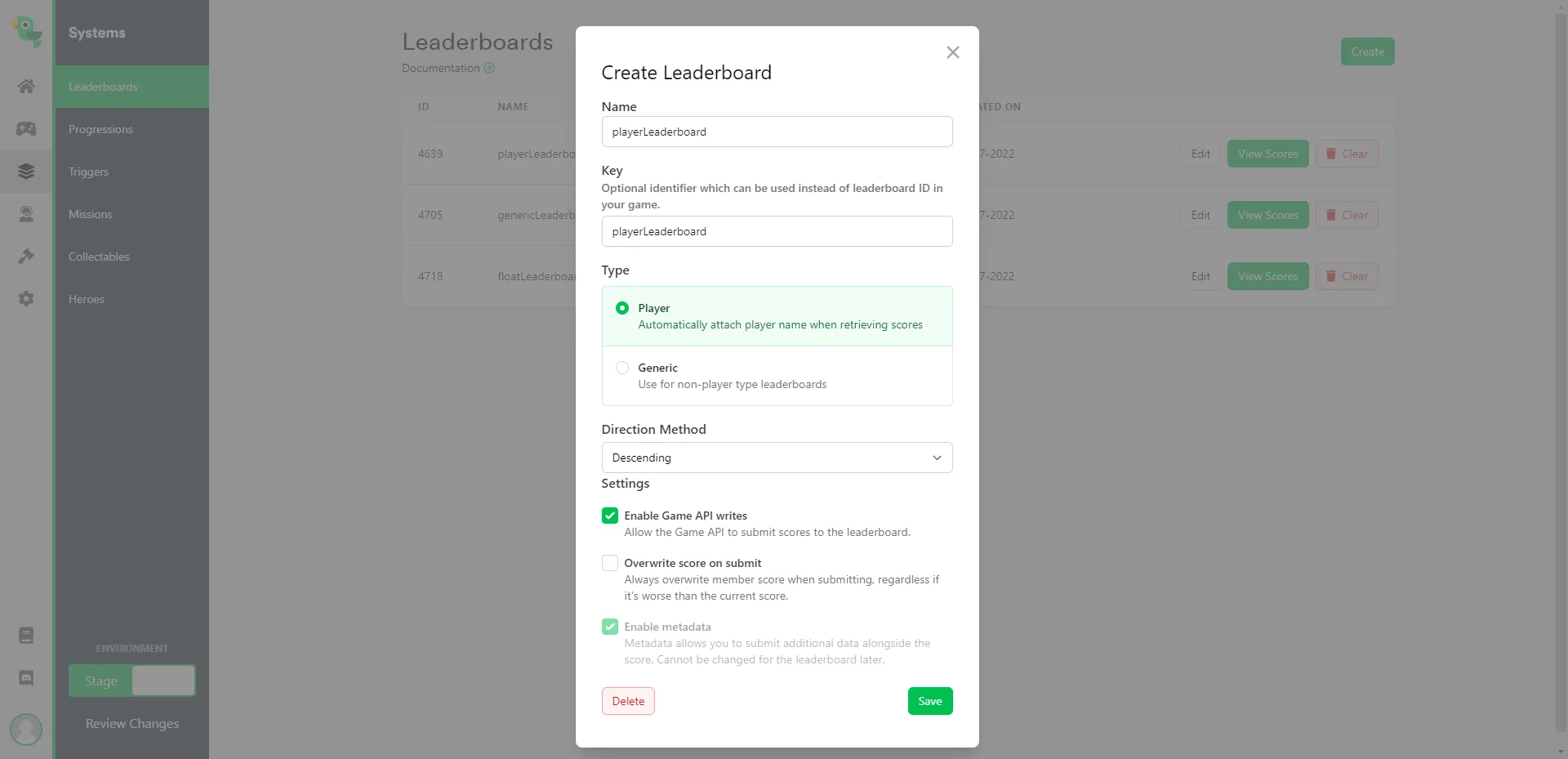
Section titled “Web Console”To configure a player-type leaderboard, select Player as the leaderboard type when creating it. See Leaderboards for a full breakdown of leaderboard settings.
Generic-type Leaderboard (Arcade Style)
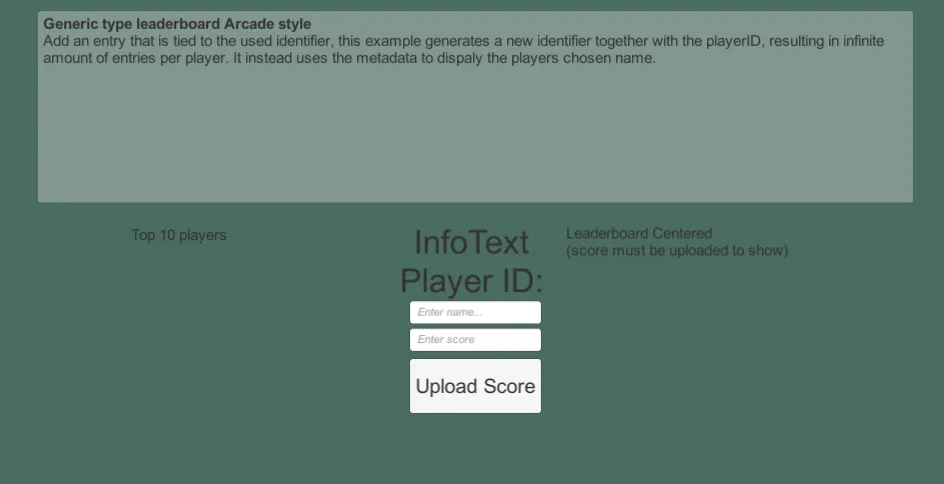
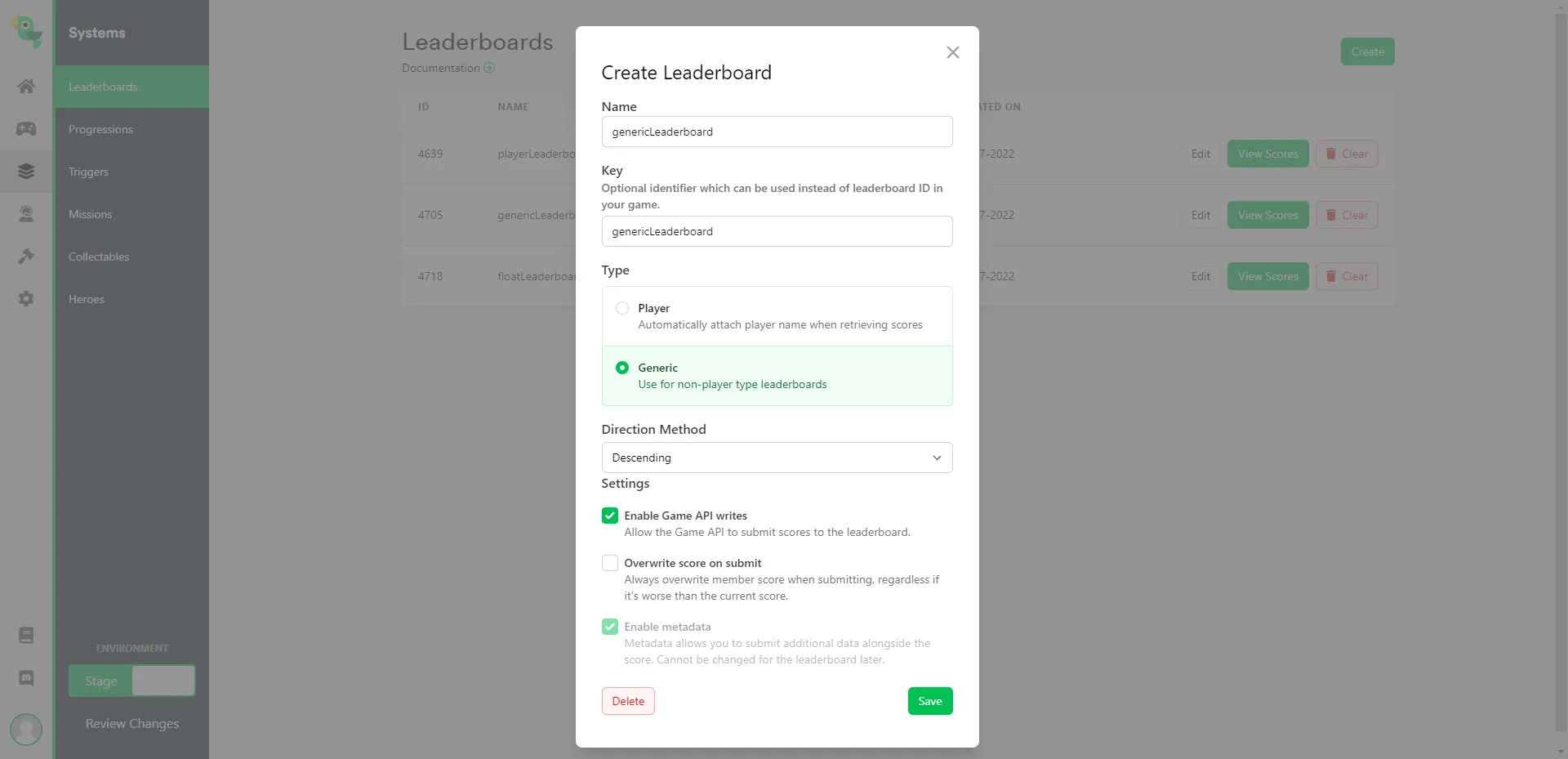
Section titled “Generic-type Leaderboard (Arcade Style)”This sample can be found in the Unity SDK under the name 2b - GenericTypeLeaderboardArcadeStyle. It demonstrates a generic-type leaderboard, where entries aren't tied to a specific player. Instead, players enter their name each time they submit a score — similar to an arcade high-score board — so the same player can submit multiple scores.
In-Engine
Section titled “In-Engine”To submit a score, enter a name and score, then click Upload Score. The score then appears in the Top 10 players menu.
Web Console
Section titled “Web Console”To configure a generic-type leaderboard, select Generic as the leaderboard type when creating it.
Float Leaderboard
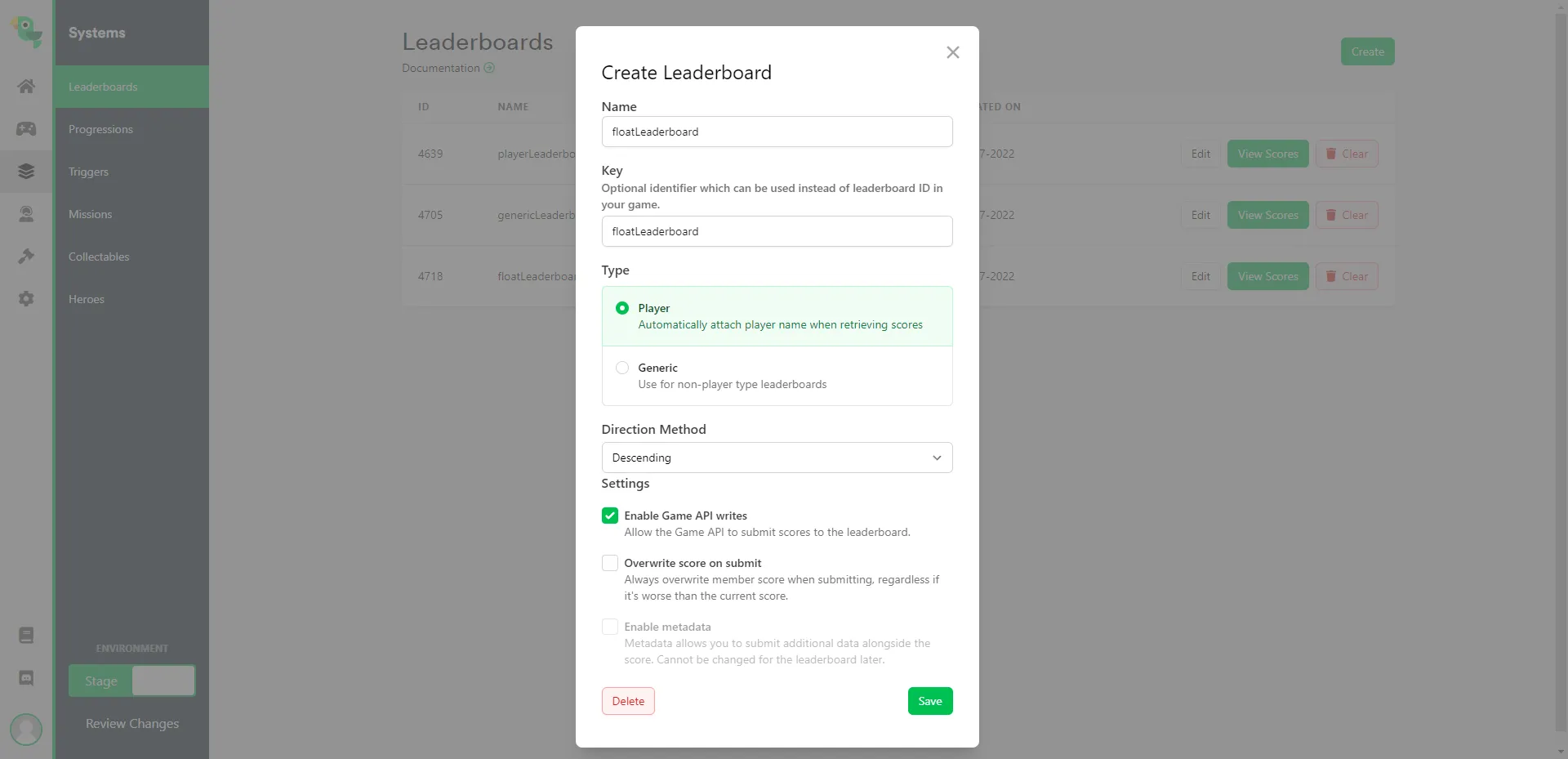
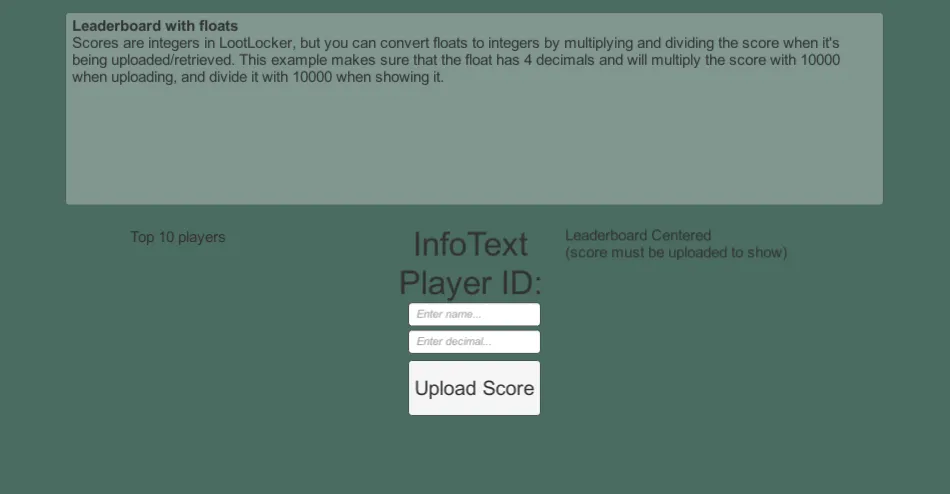
Section titled “Float Leaderboard”This sample can be found in the Unity SDK under the name 2c - FloatLeaderboard. It demonstrates submitting a float value (with 4 decimal places) as a score. Since leaderboard scores are stored as integers, the sample multiplies the float by 1,000 before submitting it, then divides by 1,000 when retrieving it to restore the original value.
In-Engine
Section titled “In-Engine”To submit a score, enter a name and score, then click Upload Score. The score then appears in the Top 10 players menu.
Web Console
Section titled “Web Console”Float leaderboards also use the Generic leaderboard type — select Generic when creating it, then apply the conversion described above when submitting and retrieving scores.