
This how-to creates one or more Segments for a feature that supports them, such as a Trigger, Broadcast, Reward Campaign, Survey, or Limit Access.
Prerequisites
Section titled “Prerequisites”- A feature to attach the Segment to: a Trigger, Broadcast, Reward Campaign, Survey, or Limit Access.
Creating a Segment
Section titled “Creating a Segment”On the feature you want to target, click Add Segment.
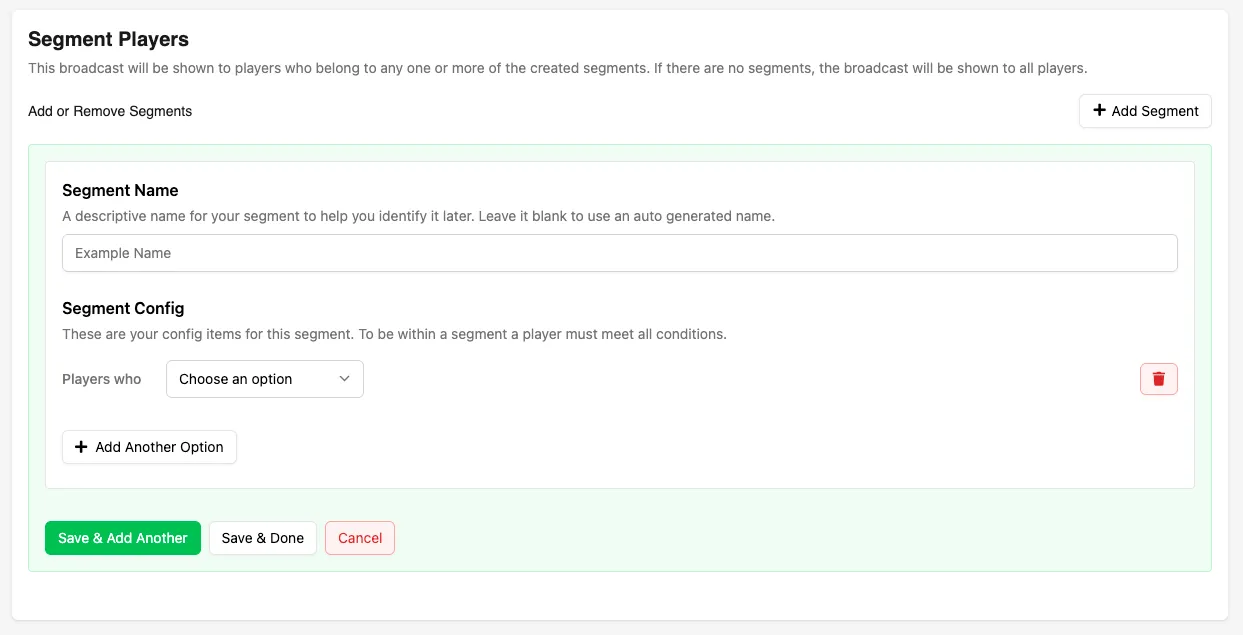
Segment Name
Section titled “Segment Name”Enter a name for the Segment, or leave it blank to have a name and description automatically generated based on the Segment configuration.
Segment Configuration
Section titled “Segment Configuration”Each Segment is made up of one or more conditions that define which players qualify. Click the condition dropdown to open the list of conditions, which is grouped into categories. Use the search box at the top to filter the list by name.
Player Properties
Section titled “Player Properties”- Are Playing On: Select one or more platforms that the player has (or has not) played on previously.
- Have Linked: Select one or more platform accounts that the player has linked to their LootLocker profile through Unified Player Accounts.
- Have Also Played: Select one or more games in your organisation that the player has (or has not) played previously.
- Have a Playtime: Target players based on a specific playtime value or time range in the game they are currently playing.
- Are: Target specific players by their unique player IDs (ULIDs).
- Have Progression Points: Target players based on their current points in a game-level Progression.
- Are at Progression Tier: Target players based on their current tier step in a game-level Progression.
- Have a Leaderboard Score: Target players based on their score in a specific Leaderboard.
- Have a Leaderboard Rank: Target players based on their rank in a specific Leaderboard.
Time-Based
Section titled “Time-Based”- Joined: Filter players based on the date or date range when they started playing the game they are currently playing.
- Were Last Seen: Filter players by the date or date range of their most recent session (excluding their current session) in the game they are currently playing.
- Match When the Server Time Is: Filter on the game's server time, in UTC, against a date and time you pick. Useful for time-gated campaigns.
- Match When It Is in Their Timezone: Filter on a date and time evaluated against each player's own timezone rather than UTC. Useful for regional campaigns.
Metadata
Section titled “Metadata”- Have Metadata Key: Target players who have a specific Metadata key on their player profile, regardless of its value.
- Has Metadata Value: Target players based on the typed value of a Metadata key. Enter the key, select the value type (such as string, number, or boolean), then select an operator to compare against the value. Different types support different operators.
Entitlements
Section titled “Entitlements”- Have an Active Entitlement For: Select a Catalog Listing that the player has (or does not have) an active Entitlement for.
- Own: Select one or more Assets that the player owns (or does not own). Each Asset is picked from a modal.
Playtests & Surveys
Section titled “Playtests & Surveys”- Have Completed Playtest: Select one or more Playtests that the player has (or has not) completed.
- Have Completed Survey: Select one or more Surveys that the player has (or has not) completed.
Adding Multiple Conditions
Section titled “Adding Multiple Conditions”Click Add Another Option to add additional conditions to the same Segment.
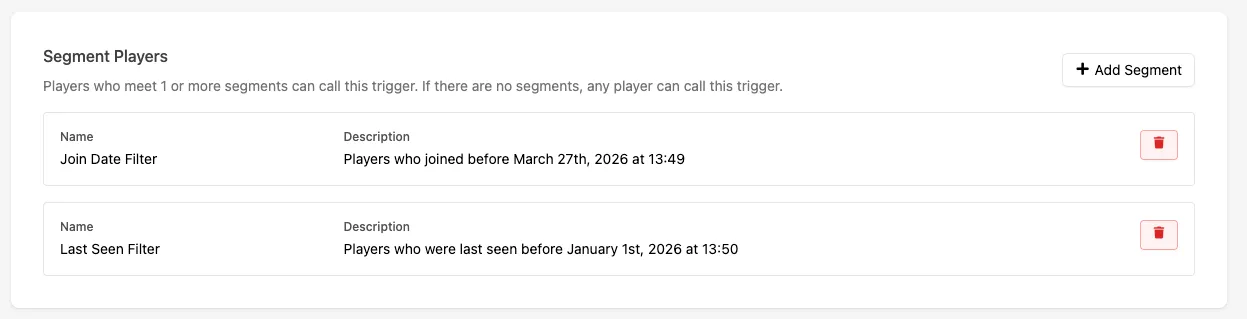
Estimating Segment Size
Section titled “Estimating Segment Size”Once your conditions are set, click Estimate Players to calculate how many players currently match the Segment. Use this to check that a Segment isn't so narrow that almost nobody qualifies, or so broad that it defeats the point of segmenting.
Click Preview to see the matching players themselves. The list shows each player's Player Name, Public UID, and First Seen date, along with a link to that player's profile.
Conclusion
Section titled “Conclusion”You've attached one or more Segments to a feature.