LootLocker used to make it safe and easy to make individual and bulk changes to the data stored with LootLocker through a development environments system. The two environments were Staging and Live.
LootLocker featured a development environment that allowed you to make changes safely to your game data, and test changes before they went live in your game. The staging environment (Stage) was where all changes were made and tested. The Live environment was the version of data that your live game pointed to, and where changes could not be made directly. To make changes to the Live environment, the changes had to first be made in Stage, and then merged into Live.
Switching Between Environments
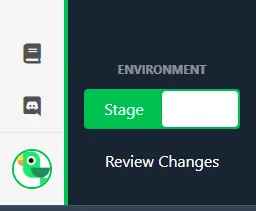
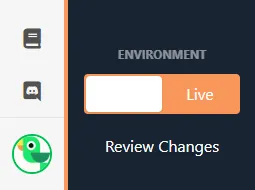
Section titled “Switching Between Environments”The currently active Environment was displayed in the Environment Switcher at the bottom of the web console side bar. Clicking on the switcher changed to the other environment.
Editing Data in Stage Environment
Section titled “Editing Data in Stage Environment”When working in the web console, all changes made to features, assets, or settings had to be made in the Stage environment. These changes could then be tested through your game client.
Testing Data in Stage Environment
Section titled “Testing Data in Stage Environment”To test the data in your Stage environment, you would change the API key in your game to a Stage key.
Reviewing Changes and Merging Data
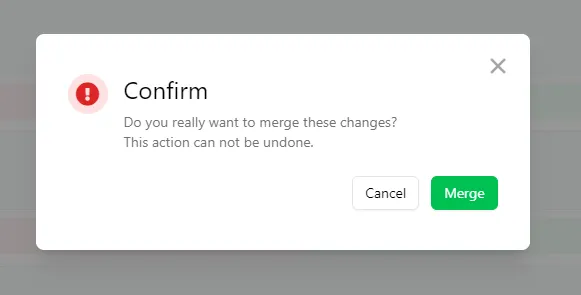
Section titled “Reviewing Changes and Merging Data”When ready for changes to be merged into the Live environment, you would click the Review Changes link in the side bar. After all of the changes made to the Stage environment had loaded, you could review and select which changes to merge into the Live environment. Selecting the changes with the tick box and clicking Push Selected To Live would merge these changes to the Live environment.
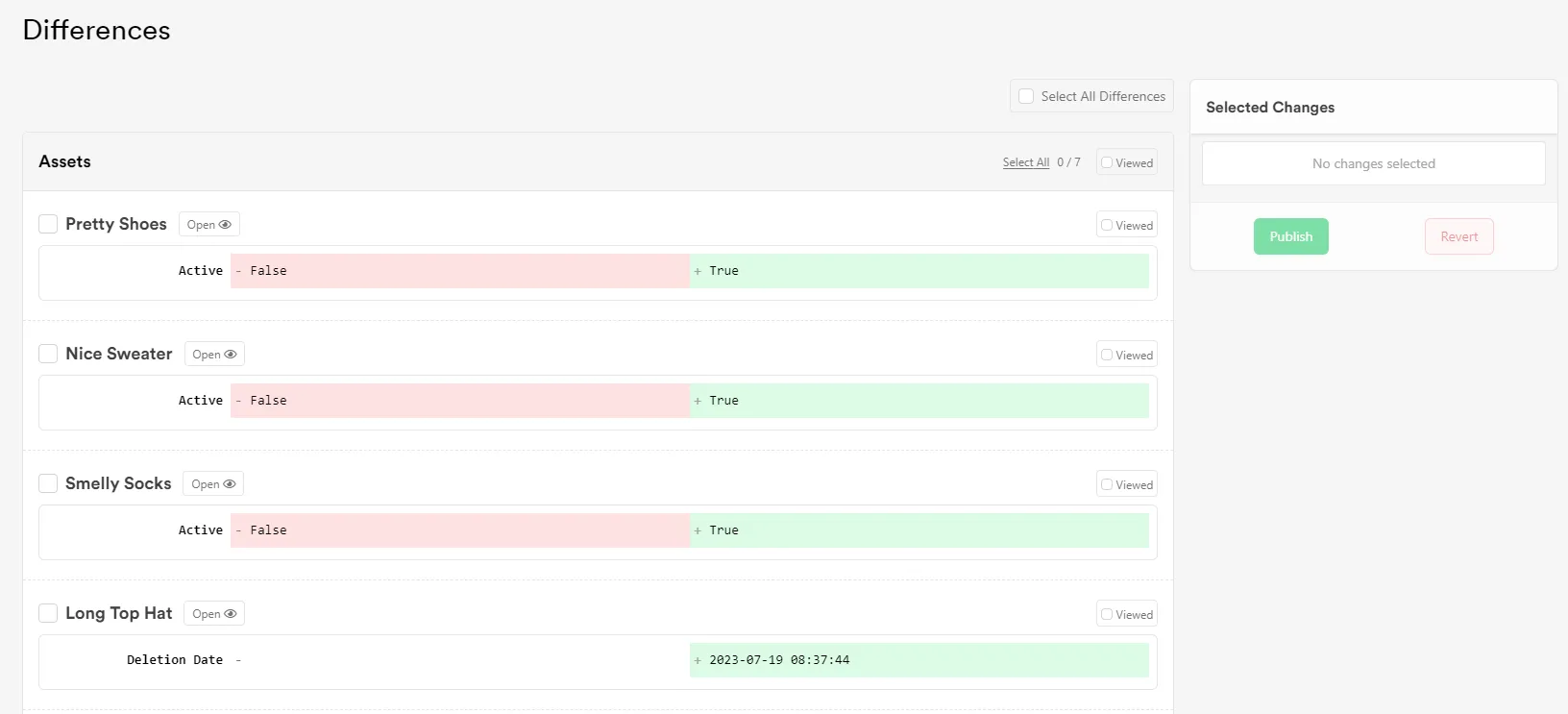
Alternatively, you could select Revert Selected to undo the changes made to the selected items and restore them back to the values that were last merged into the Live environment.