Guest Login (LootLocker Identifier)
Section titled “Guest Login (LootLocker Identifier)”Guest Login is the most basic authentication method LootLocker provides — no identity verification is required, which makes it common for mobile games, game jams, and guest sessions.
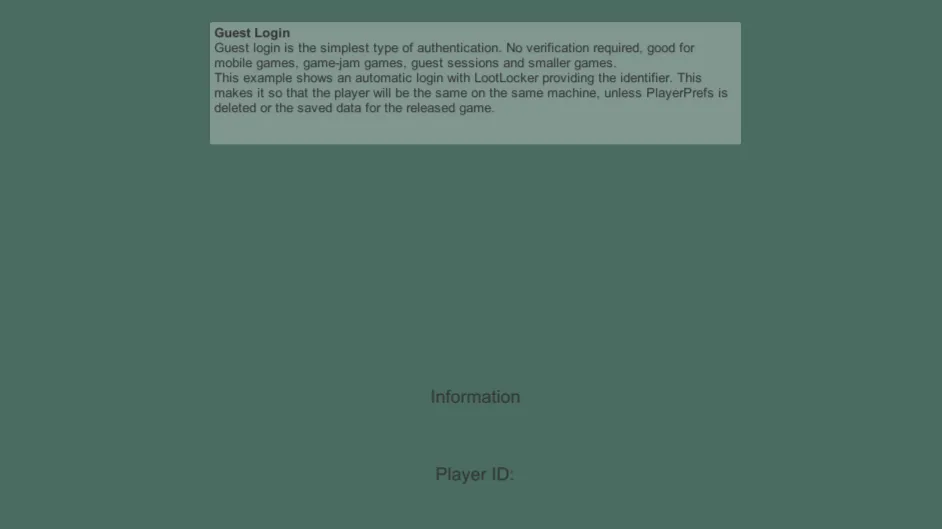
This sample can be found in the Unity SDK under the name 1a - GuestLoginLootLockerIdentifier. It demonstrates Guest Login where LootLocker generates the player identifier and stores it in PlayerPrefs — if the player deletes the game, they lose access to their profile, since the identifier isn't stored anywhere else.
In-Engine
Section titled “In-Engine”The Player ID shown in the sample is the ID LootLocker assigns when the session is created for the first time.
Web Console
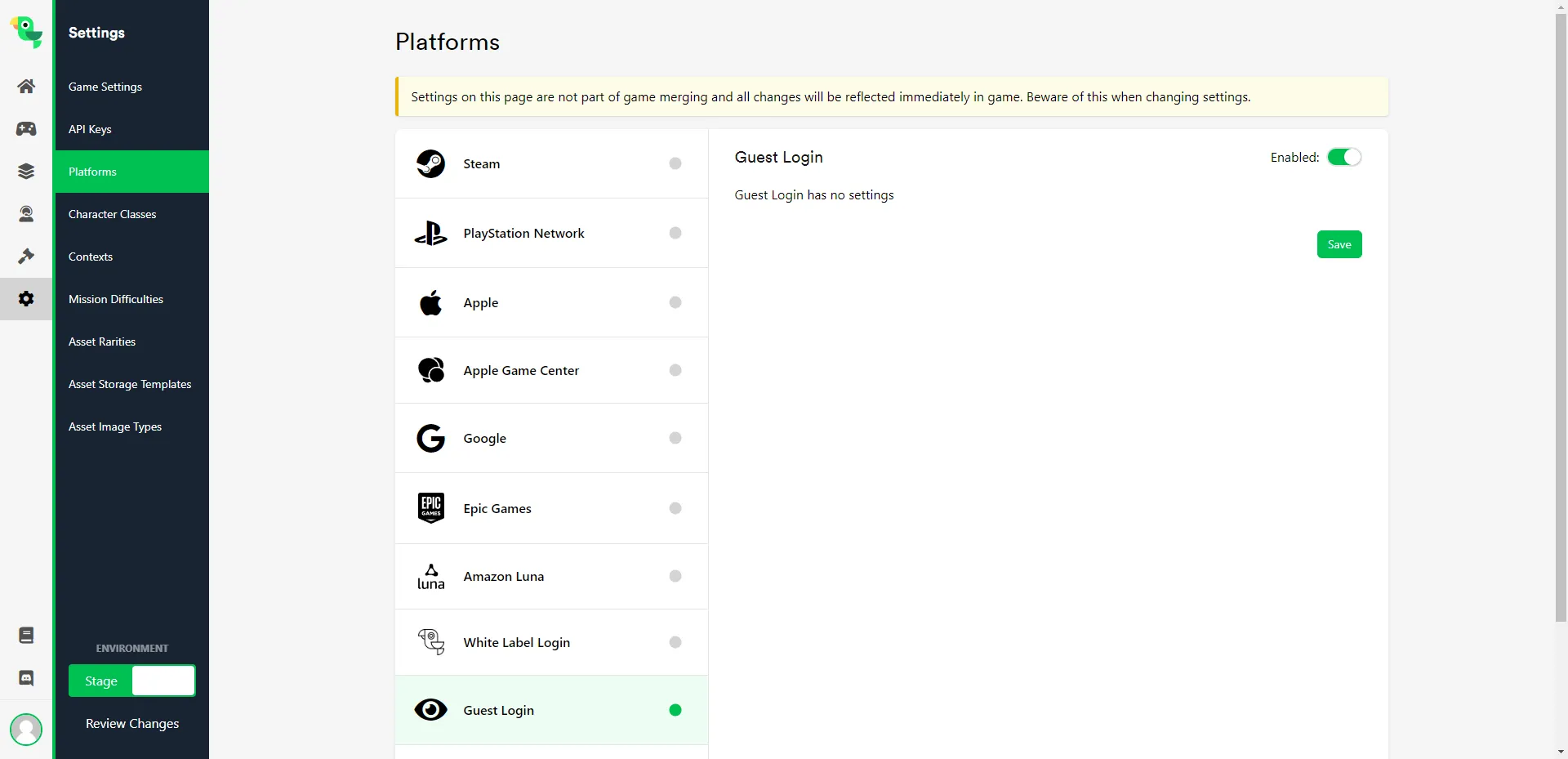
Section titled “Web Console”Enable Guest Login under Game Settings -> Platforms — no other Web Console configuration is required.
Guest Login (Unique Identifier)
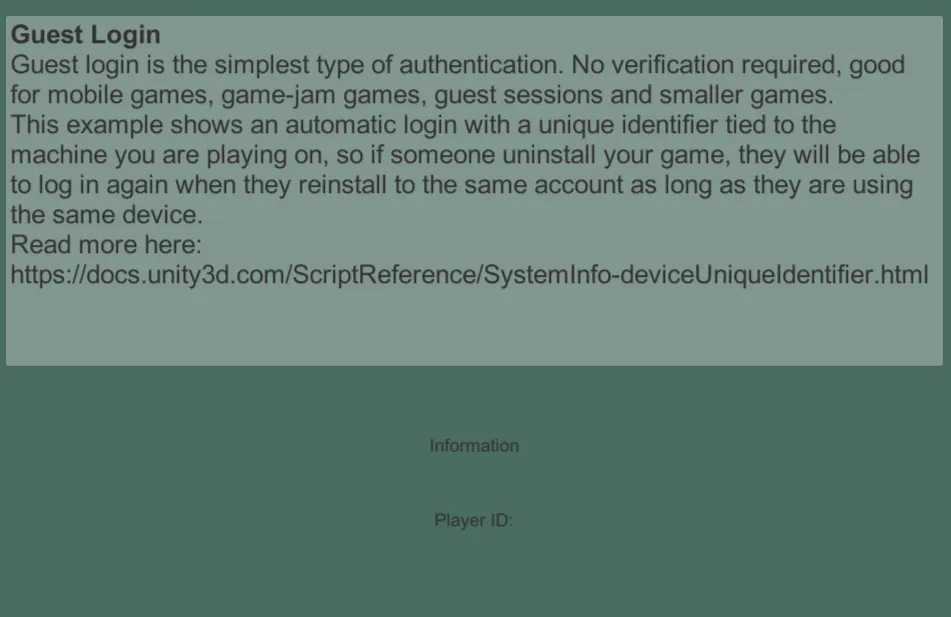
Section titled “Guest Login (Unique Identifier)”This sample can be found in the Unity SDK under the name 1b - GuestLoginUniqueIdentifier. It's similar to the LootLocker Identifier sample above, but the identifier comes from the player's device instead of being generated by LootLocker.
In-Engine
Section titled “In-Engine”The Player ID shown in the sample is derived from your device's unique identifier.
Web Console
Section titled “Web Console”This sample uses the same Web Console configuration as the LootLocker Identifier sample above — enable Guest Login under Game Settings -> Platforms.
White Label Login
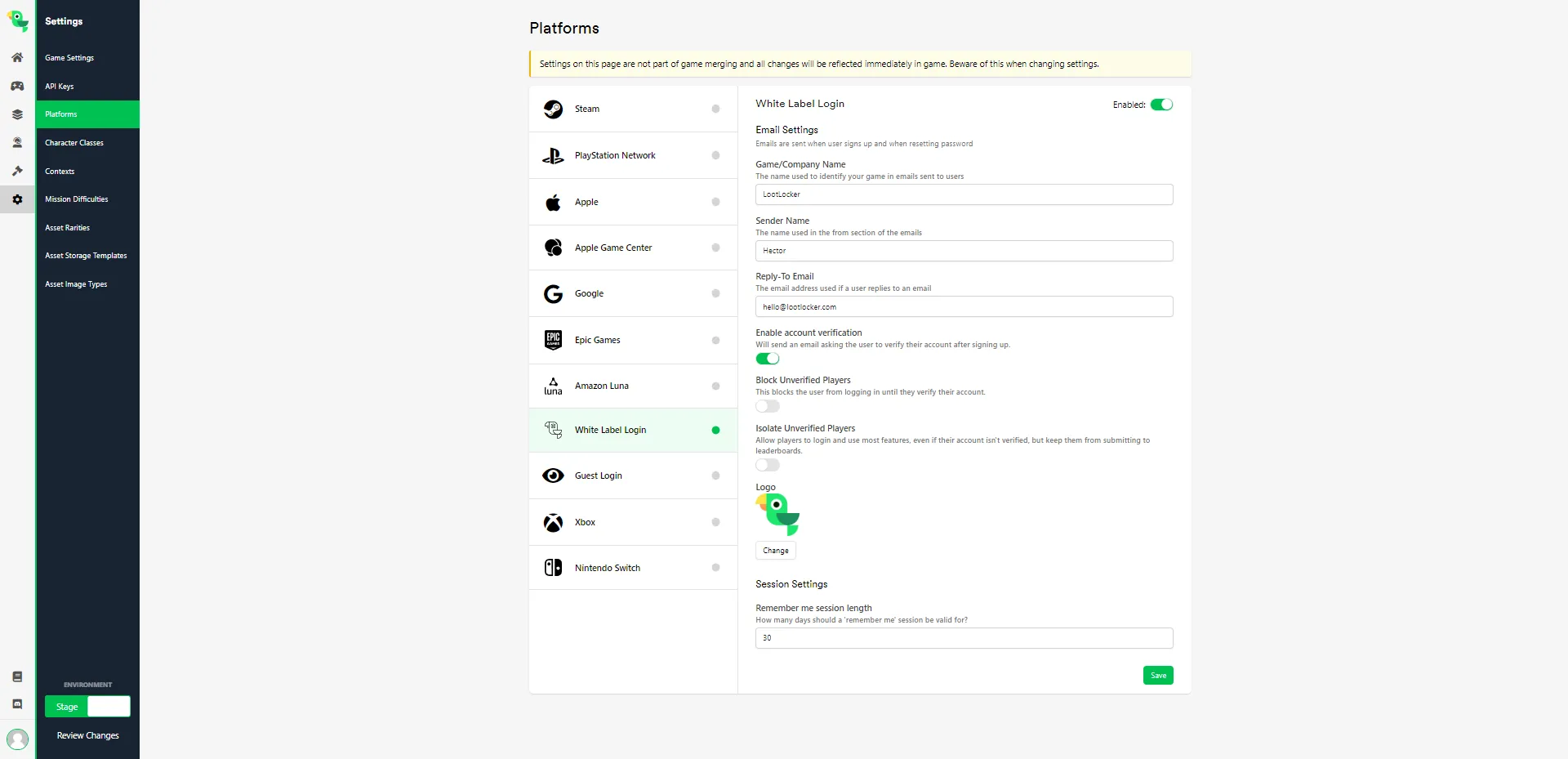
Section titled “White Label Login”White Label Login gives your game a built-in account system where players sign up with an email address (or username) and password — including email verification and password reset.
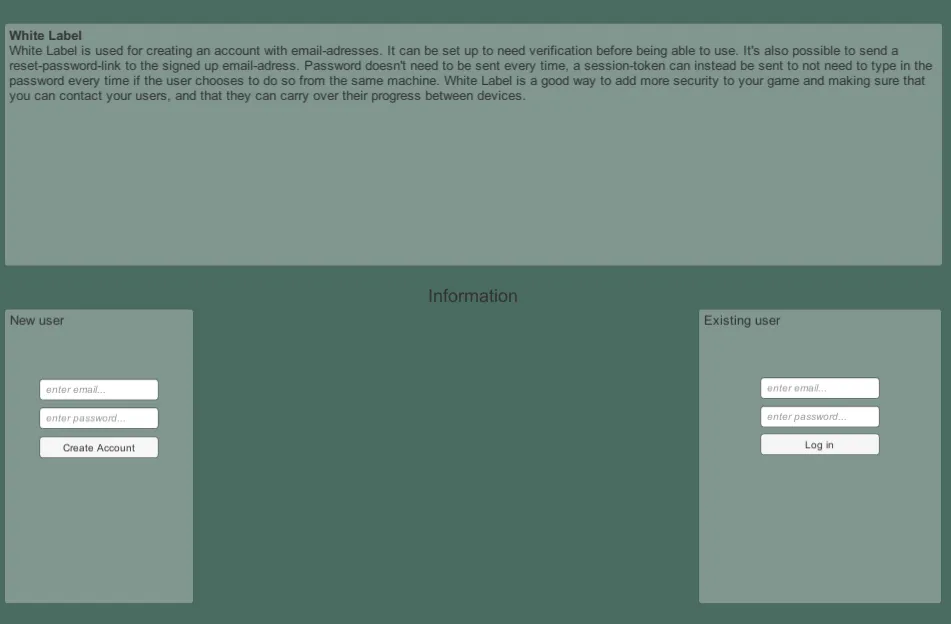
This sample can be found in the Unity SDK under the name 5 - WhiteLabel and demonstrates both the new and existing user flows.
In-Engine
Section titled “In-Engine”As a new user, create an account and you'll shortly receive a verification email. Once verified, use the existing user fields to log in.
Web Console
Section titled “Web Console”Configure White Label Login under Game Settings -> Platforms, where you can set the sender name, reply-to email address, and other options used when a player creates an account.