
This how-to views, downloads, uploads, and deletes a player's files from the Web Console.
Prerequisites
- A Player that has either started a session at least once, or been created manually in the Player Manager.
View Player Files
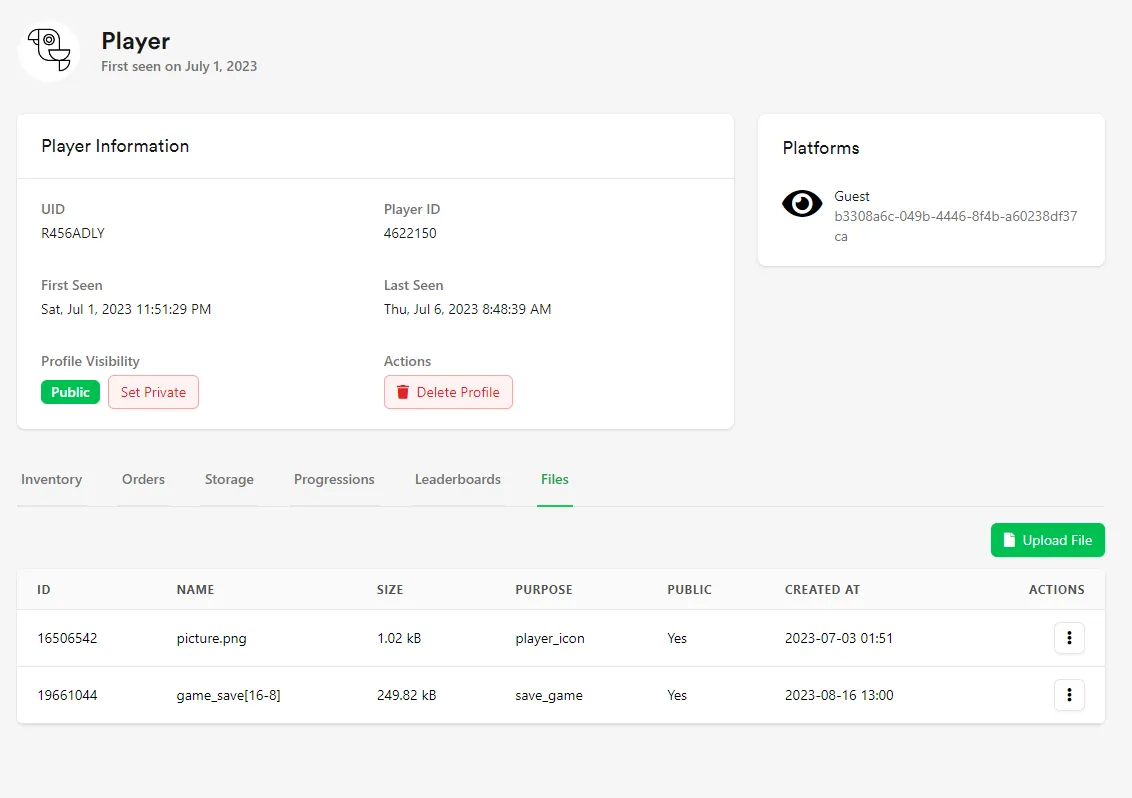
Search for or select the player from the recent players list in the Player Manager, then select the Files tab on their profile. From here, you can view, download, upload, or delete the player's files.
Conclusion
You've managed a player's files from the Web Console. Next, learn how to work with files in-game.