
Magic links let players sign in to White Label Login by following a link sent to their email address, instead of typing a password. This how-to sets which sign-in and sign-up methods your game offers.
The setting is game-wide. It applies everywhere players use White Label Login: in your game, on the hosted sign-in page, when upgrading an account through Unified Player Accounts, when registering for a Playtest, and through claimable links.
Prerequisites
Section titled “Prerequisites”Choose a Magic Link Mode
Section titled “Choose a Magic Link Mode”Open the White Label Login Platform Settings by going to Game Settings > Platforms > White Label Login, and find the Magic Link Mode setting. Select one of the following options:
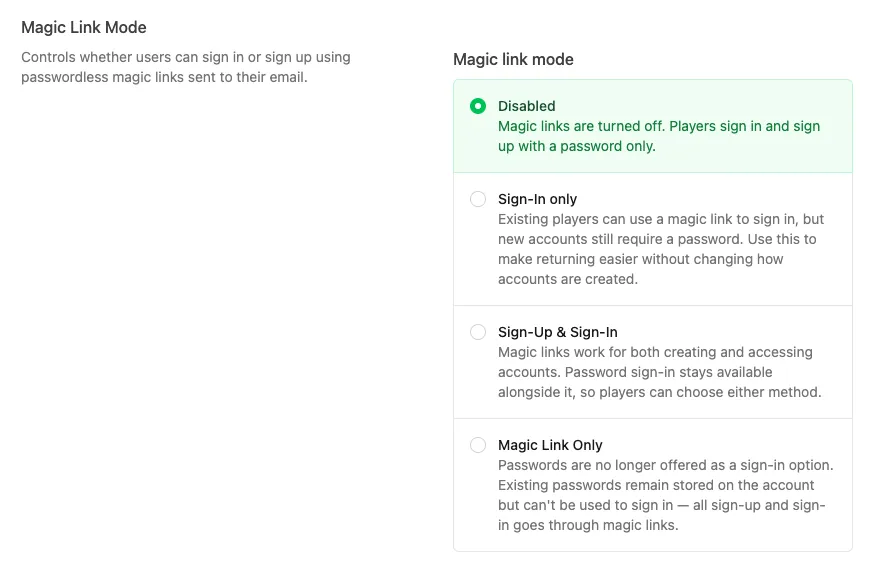
- Disabled: magic links are turned off. Players sign in and sign up with a password only.
- Sign-In only: existing players can use a magic link to sign in, but new accounts still require a password. Use this to make returning easier without changing how accounts are created.
- Sign-Up & Sign-In: magic links work for both creating and accessing accounts. Password sign-in stays available alongside it, so players can choose either method.
- Magic Link Only: passwords are no longer offered as a sign-in option. Existing passwords remain stored on the account but can't be used to sign in. All sign-up and sign-in goes through magic links.
What the Player Sees
Section titled “What the Player Sees”With magic links enabled, players go through the following steps. The email uses your White Label Login email service settings.
Enter an Email Address
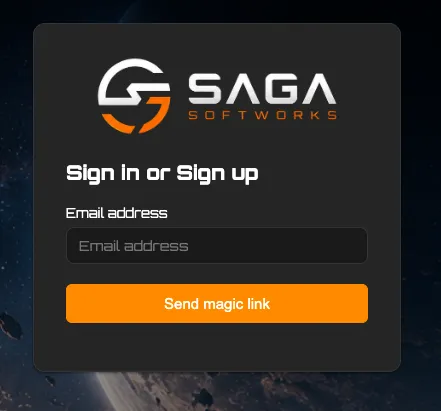
Section titled “Enter an Email Address”The sign-in page asks for an email address only, with a button to send the magic link. In Sign-Up & Sign-In and Magic Link Only modes, the same page handles both signing in and signing up.
Open the Link in the Email
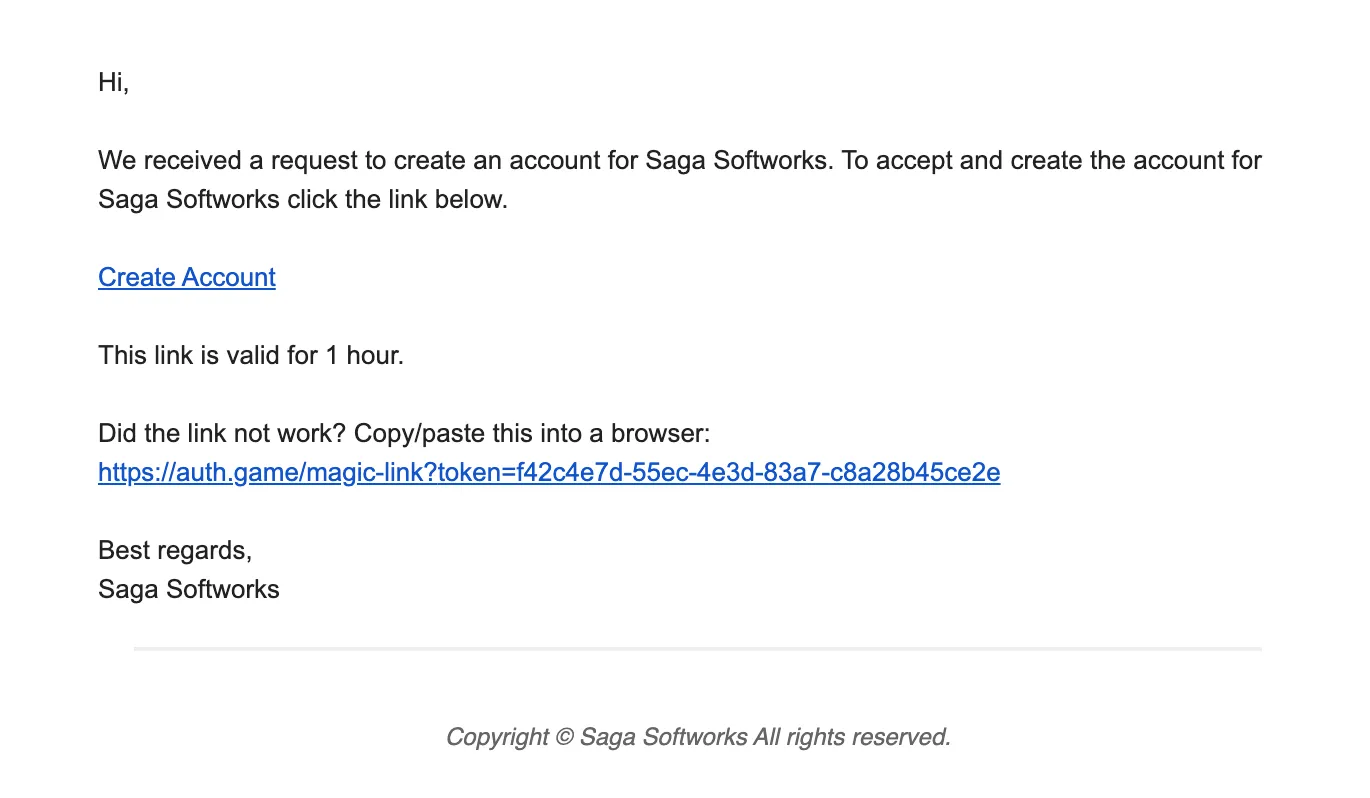
Section titled “Open the Link in the Email”The player receives an email with a link to create their account. The link is valid for 1 hour, and the email includes the full URL to copy into a browser if the link doesn't work.
Complete the Account
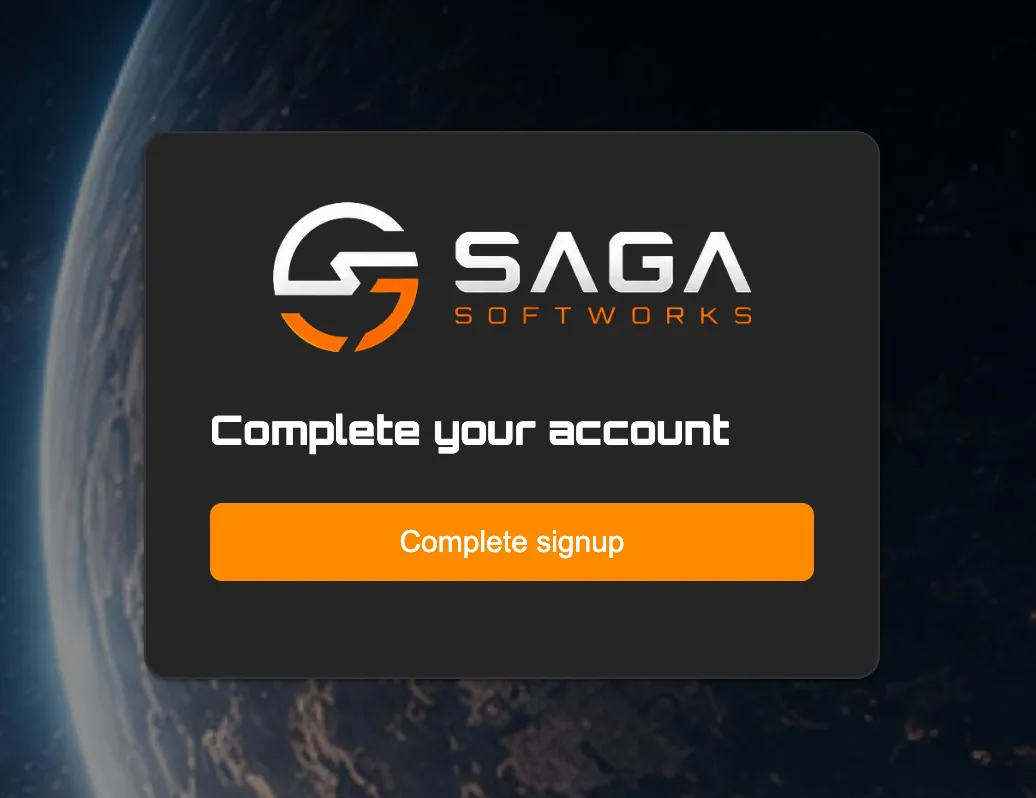
Section titled “Complete the Account”The link opens a confirmation page. Once the player selects Complete signup, the sign-in or sign-up completes.
Conclusion
Section titled “Conclusion”You've set how players use magic links with White Label Login. Next, start a White Label session.