
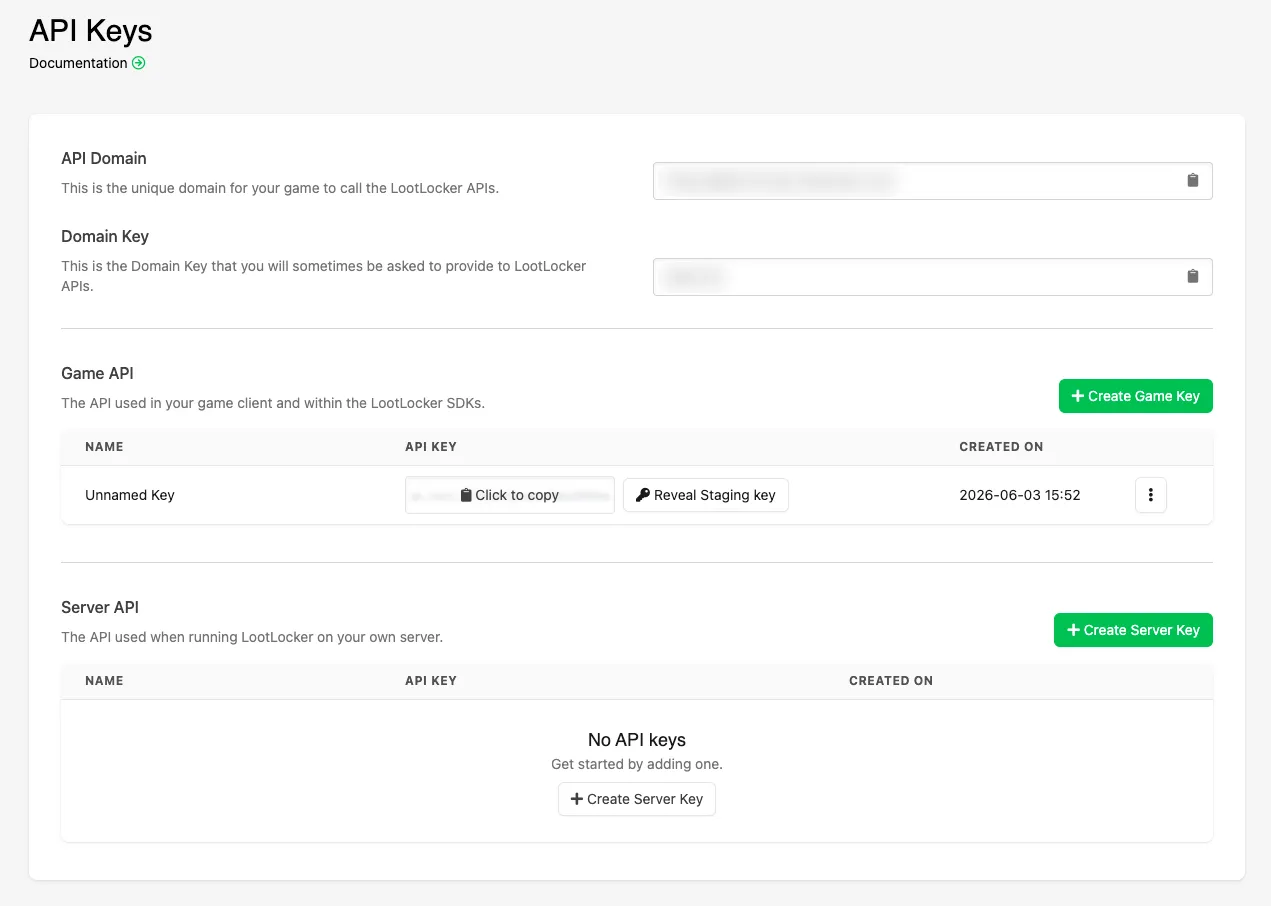
API Keys holds your game's API domain and the keys your game and servers use to call LootLocker. Select Settings in the Web Console side bar, then API Keys.
Domain
Section titled “Domain”- API Domain: the unique domain your game uses to call the LootLocker APIs, also used by White Label Login.
- Domain Key: the key some LootLocker APIs ask you to provide.
Game API
Section titled “Game API”The keys your game uses to call the Game API, including through the LootLocker SDKs. Click Create Game Key to add a key, and click a key to copy it. Create a separate key for each version or platform of your game to control which builds can call LootLocker.
Keep Game API keys out of readable files in your game build where possible.
Server API
Section titled “Server API”The keys a server you manage uses to call the Server API. Click Create Server Key to add a key. Keep Server API keys on your server only, never in your game build.